SQL for business reports: monthly revenue, top customers and quiet accounts
A free one-page SQL cheat sheet: SELECT, WHERE, SUM, GROUP BY, HAVING, ORDER BY, LIMIT and LEFT JOIN, with the three report queries from the course.
SQL for business reports: monthly revenue, top customers and quiet accounts
The three modules of the free SQL for Business Reports Jump Start, practised there on real DB Fiddle screens.
The building blocks
- SELECT
SELECT * FROM orders;every column, every row.- WHERE
WHERE order_date >= '2026-09-01'keeps matching rows.- Totals
COUNT(*)counts rows,SUM(amount)adds a column, AS names it.- Sort
ORDER BY revenue DESCbiggest first;LIMIT 3keeps three rows.
Revenue by month
SELECT DATE_FORMAT(order_date, '%Y-%m') AS month,SUM(amount) AS revenue FROM ordersGROUP BY month ORDER BY month;
Key accounts ($3,000 or more)
SELECT customer, COUNT(*) AS orders, SUM(amount) AS revenueFROM orders GROUP BY customerHAVING SUM(amount) >= 3000 ORDER BY revenue DESC;
Customers gone quiet
SELECT c.name, c.manager, MAX(o.order_date) AS last_orderFROM customers c LEFT JOIN orders o ON o.customer = c.nameGROUP BY c.name, c.managerHAVING MAX(o.order_date) < '2026-09-01' OR MAX(o.order_date) IS NULL;
Good habits
- Line order: SELECT, FROM, WHERE, GROUP BY, HAVING, ORDER BY, LIMIT.
- WHERE filters rows; HAVING filters totals after GROUP BY.
- "Who has not ..." questions need a LEFT JOIN and IS NULL.
- Ask for a read-only login at work: reports only need SELECT.
Remember: Ask the database, not a pasted copy: the same query gives next month's report with no copying and no missed rows.
Practice it free: SQL: Build a Monthly Revenue Report from an Orders Table at learn.ynteractive.com/modules/sql-monthly-revenue-report. This sheet: learn.ynteractive.com/content/cheat-sheets/sql-business-reports. Lakeside Office Supply is a made-up business from the lesson. By Robert Breen, October 24, 2026.
Practice it in the free lesson
SQL: Build a Monthly Revenue Report from an Orders Table. A beginner SQL walkthrough in the free DB Fiddle: type a small orders table, then filter it, total it and turn it into revenue by month with GROUP BY, typing every line yourself. You do every step yourself in a practice copy of DB Fiddle, it checks your work as you go, and “Do it for me” finishes any step you get stuck on. Free, and nothing touches your real accounts.
Start the free lessonLessons on this sheet
 SQL: Build a Monthly Revenue Report from an Orders Table
A beginner SQL walkthrough in the free DB Fiddle: type a small orders table, then filter it, total it and turn it into revenue by month with GROUP BY, typing every line…
Free · Live ~12 min Beginner
 SQL: Top Customers and Key Accounts with GROUP BY and HAVING
A beginner SQL walkthrough in the free DB Fiddle: total revenue per customer with GROUP BY, sort the biggest to the top, keep the top three with LIMIT and list key…
Free · Live ~12 min Beginner
 SQL: Find Customers Who Have Gone Quiet with a LEFT JOIN
A beginner SQL walkthrough in the free DB Fiddle: join a customers table to orders, see why a plain JOIN hides customers who never ordered, and list every quiet account…
Free · Live ~15 min Beginner
Related terms
Plain-English definitions, each with an example from a free lesson.
More cheat sheets
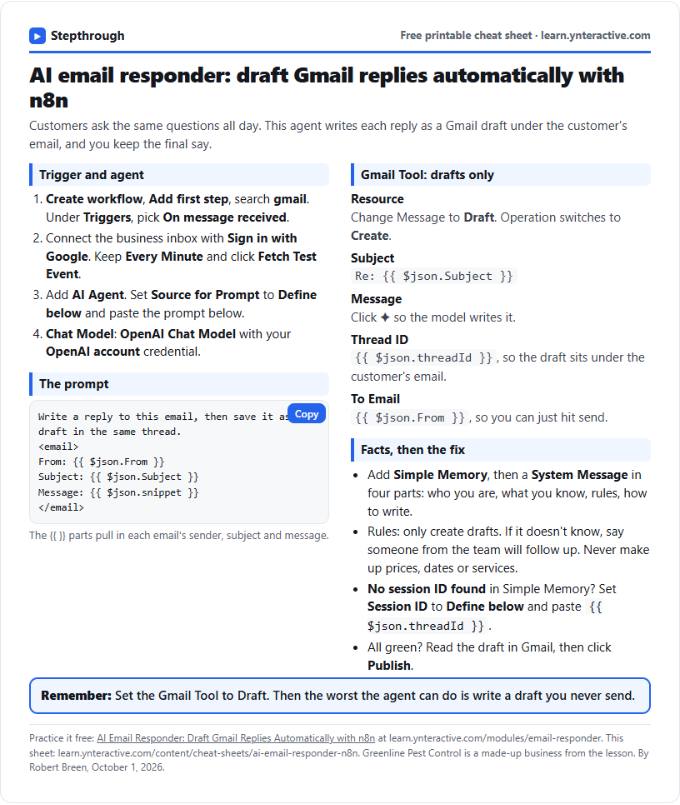 AI Email Responder in n8n Cheat Sheet
A free one-page cheat sheet: n8n watches Gmail, an AI agent reads each customer email and saves a reply as a draft in the same thread.
Lesson cheat sheet Free PDF
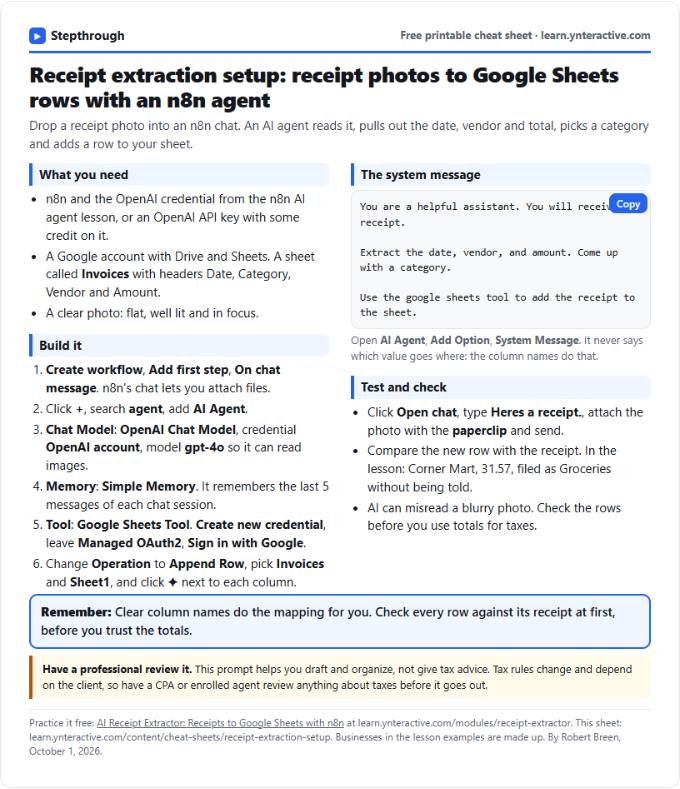 AI Receipt Extractor in n8n Cheat Sheet
A free one-page cheat sheet: attach a receipt photo in n8n chat, and an AI agent pulls the date, vendor and amount into a Google Sheets row.
Lesson cheat sheet Free PDF
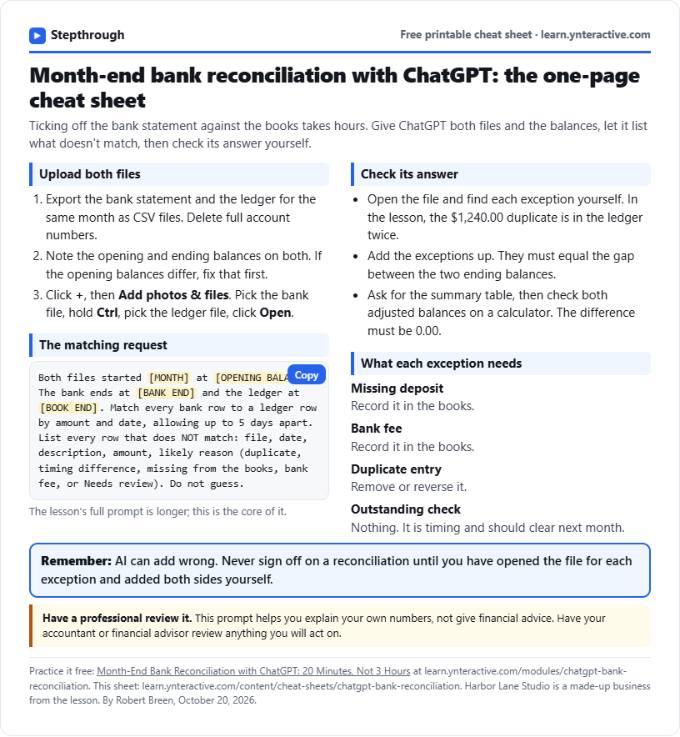 ChatGPT Bank Reconciliation Cheat Sheet
A free one-page cheat sheet: match a bank statement CSV to the ledger with ChatGPT, list the exceptions, build the summary and check the math yourself.
Lesson cheat sheet Free PDF