What is SQL?
Quick answer
SQL (Structured Query Language) is the standard language for asking questions of a database: show these rows, add up that column, group the results by month. Almost every business database understands it, from accounting and order systems to data warehouses.
Last updated
Take the free module →Module 1 of the free SQL for Business Reports Jump Start course, about 12 minutes. No account needed.
Updated · By Robert Breen
Why it matters for a small business
Most reports start as an export pasted into a spreadsheet and added up by hand. That takes time every month, and one missed row makes the report wrong. A SQL query asks the database directly, gives the same answer every time and can simply be run again next month.
You do not need to be a developer. A handful of words (SELECT, FROM, WHERE, GROUP BY, ORDER BY) cover most office reports, and free browser tools such as DB Fiddle let you practise with no install and no account.
In a real lesson: SQL: Build a Monthly Revenue Report from an Orders Table
In the free SQL monthly revenue lesson, Priya (made up), the office manager at Lakeside Office Supply, types eight Q3 orders into DB Fiddle and asks four questions: every order, September only, the quarter's total and revenue by month.
The last query, SELECT DATE_FORMAT(order_date, '%Y-%m') AS month, SUM(amount) AS revenue FROM orders GROUP BY month ORDER BY month, returns July $4,250, August $3,930 and September $3,160 in a fraction of a second.
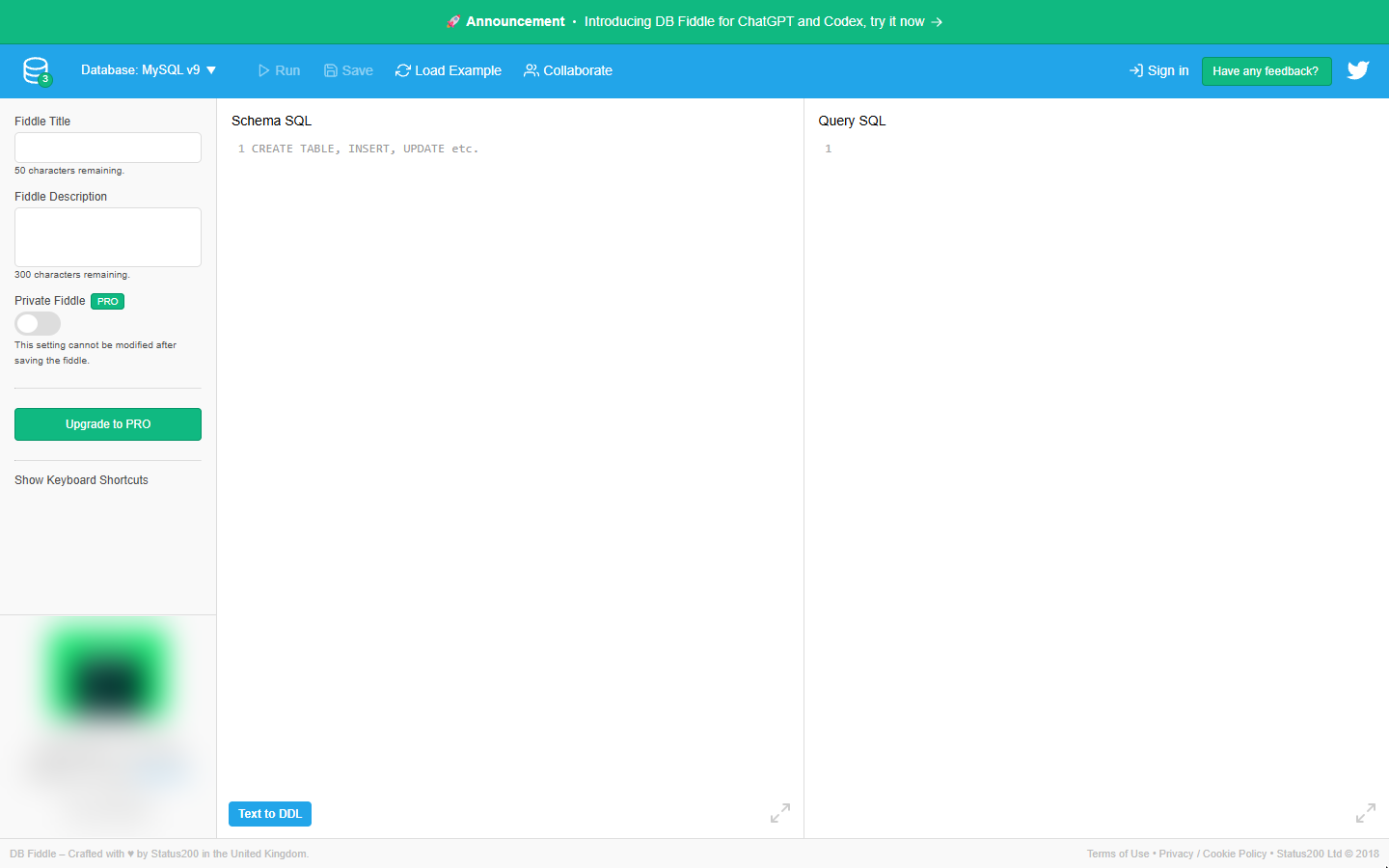
Try this lesson free or read the step-by-step guide.
Common confusions
SQL vs a spreadsheet
A spreadsheet mixes data and calculations in cells. In SQL the data sits in tables and the question is a separate piece of text, so the same question works on next month's data unchanged.
SQL vs MySQL or PostgreSQL
SQL is the language. MySQL, PostgreSQL, SQL Server and SQLite are databases that speak it, each with small differences, mostly in date functions.
Tips
- Start every new question with SELECT * FROM orders LIMIT 10 (with your own table name) to see what the columns are called.
- Ask for read-only access at work: you can run reports without any risk of changing the data.
Related terms
More Data, Sheets and Gmail terms
Where you use it: free lessons
- SQL: Build a Monthly Revenue Report from an Orders Table (DB Fiddle, 12 min)
- SQL: Top Customers and Key Accounts with GROUP BY and HAVING (DB Fiddle, 12 min)
- SQL: Find Customers Who Have Gone Quiet with a LEFT JOIN (DB Fiddle, 15 min)
- Build a Private Dashboard from Your Data in Lovable (Lovable, 9 min)
Frequently asked questions
- Is SQL hard to learn?
- The basics are not. SELECT, FROM, WHERE, GROUP BY and ORDER BY cover most business reports, and you can practise them free in a browser tool such as DB Fiddle.
- Do I need to install anything to practise SQL?
- No. DB Fiddle (db-fiddle.com) runs a real MySQL or PostgreSQL database in your browser with no account.
- Can SQL change or delete my data?
- Commands such as UPDATE and DELETE can. Reports only need SELECT, so ask for a read-only login and you cannot change anything by accident.