Why this matters
Firms need matching headshots for the website, LinkedIn and conference programs, and new people join all year. A photographer is about $350 a person and weeks of scheduling (example numbers), so team pages end up with a mix of selfies.
With the person's own photo as a reference, Higgsfield's image models keep the face and change the clothes, backdrop and light. The skills: a prompt that says what stays and what changes, a close comparison with the original, and consent and approval from the person.
Practice
Do every step yourself in a practice copy of the real tool. It checks your work, and “Do it for me” finishes any step you get stuck on.
What you’ll build
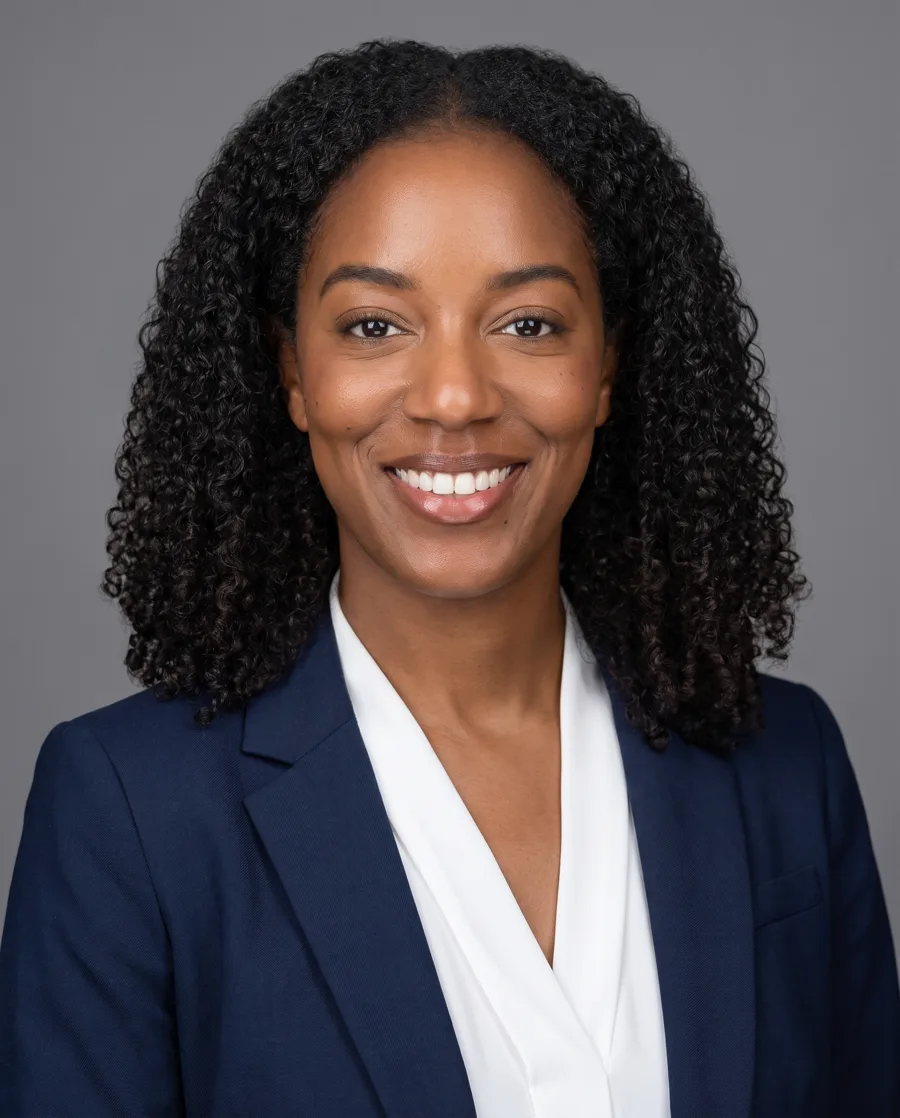
You help Dana Okafor make three matching headshots (LinkedIn, website, square) from one casual photo, for 6 credits, using Nano Banana Pro with the photo as a reference. The person is AI-generated, so no real face is used.
What you need
- Nothing to start the practiceA practice copy with our real outputs. The person is AI-generated.
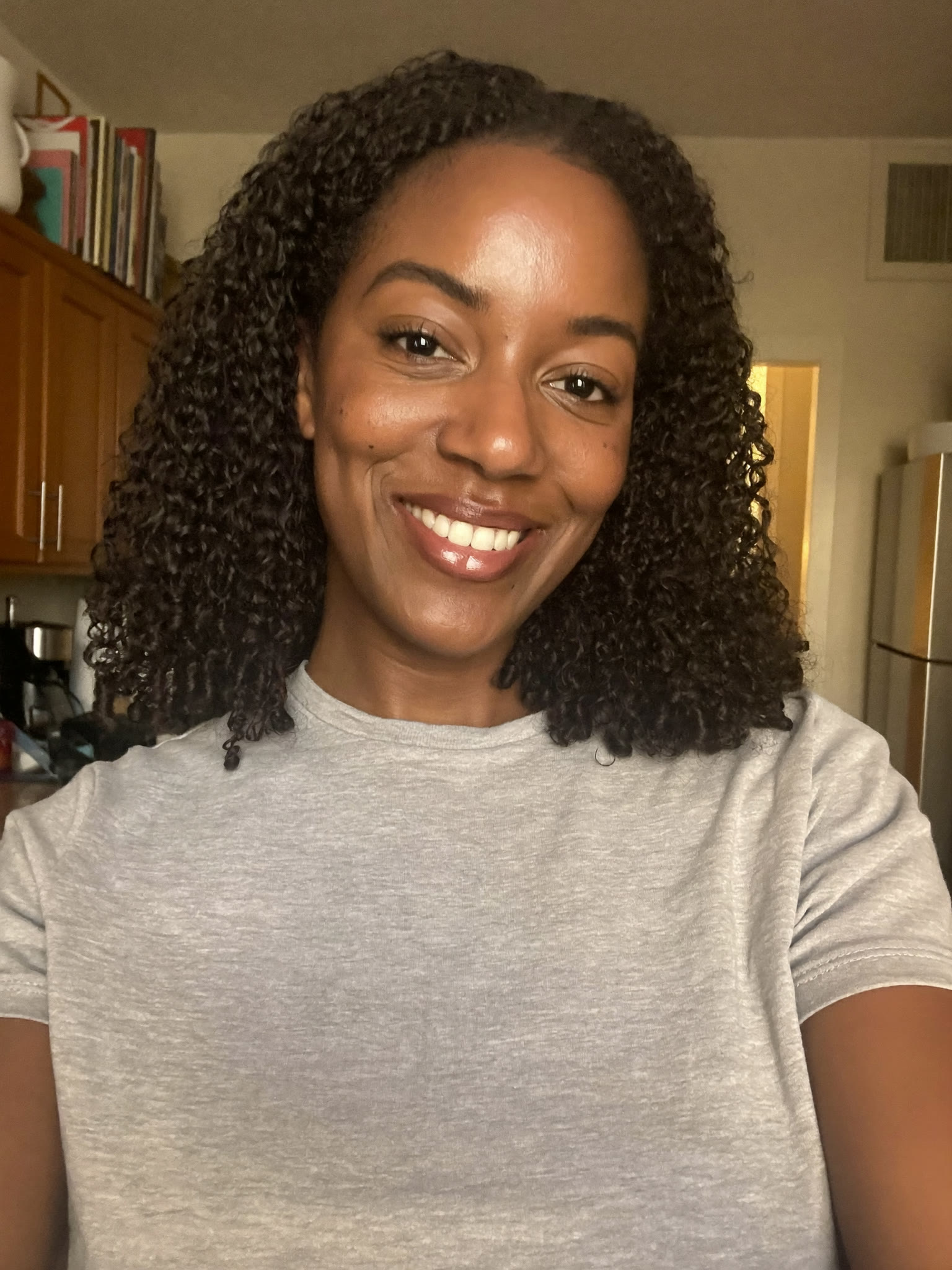
- The sample photoAn AI-generated casual photo to try the prompts on.
- Consent, to do it for a real colleagueTheir own photo, their written OK, and their approval of every final image.
- A Higgsfield account with credits, to do it for realHiggsfield sells monthly plans with credits; check current plans and what the free tier includes before you rely on it. Every cost in this lesson is what our run cost on 29 October 2026. (Affiliate link: I may earn a commission, at no cost to you.)
Concepts
A reference, not a description
Describing a person in words gets you a stranger. Attaching their photo tells the model who to draw. Then write two parts: what must stay exactly the same (face, skin tone, hair, smile) and what changes (blazer, backdrop, light, framing).
Check where models drift
All three of our headshots kept the face. Still compare each with the original, closely: skin tone, hairline, teeth and jewelry are where image models drift. Small changes add up to "that is not me".
Likeness belongs to the person
An AI headshot is still a picture of a real person. Use only their own photo with their written OK, let them approve the finals, and never make one of someone who has not agreed or of a public figure.
Do it for real
Now repeat it in your own account. Tick each step as you go.
Downloads
- Every prompt in this course (.txt)The exact prompts, settings, credits and what went wrong in each of our runs.
- Sample casual photo (.jpg, AI-generated person)Made with Higgsfield Soul 2. Not a real person.
Quick check
3 questions to check you’ve got it.
1. Why attach the photo instead of describing the person?
- It is cheaper
- Words alone get you a stranger; the reference keeps their face
- Higgsfield requires it
Show the answer
Words alone get you a stranger; the reference keeps their face. The headshot is only useful if it looks like the person who will walk into the meeting.
2. Who gives the final approval on a colleague's AI headshot?
- The office manager
- The colleague
- Nobody, if it looks good
Show the answer
The colleague. Their face, their approval.
3. Which is NOT a good use of an AI headshot?
- Website team page
- LinkedIn profile
- An ID badge or anything that must be an unaltered photo
Show the answer
An ID badge or anything that must be an unaltered photo. Where a real, unaltered photo is required, use one.
Higgsfield: Turn a Text Idea into a 9:16 Hiring Ad (and Keep the Words Right)
Next, a staffing agency turns a text idea into a 9:16 hiring ad, and sees what AI video does to words.
Start module 4 →