Why this matters
A small brand launching a product needs motion: video ads stop the scroll in a way a still photo does not. A studio product video costs $1,500 to $3,000 and two weeks (example numbers); most small teams skip it and post the photo.
Higgsfield animates one product photo into a 5-second vertical video with the video model you choose. The skills that make it usable: a motion prompt that protects the label, drafting cheap before paying for the final, and scrubbing every second before you post.
Practice
Do every step yourself in a practice copy of the real tool. It checks your work, and “Do it for me” finishes any step you get stuck on.
What you’ll build
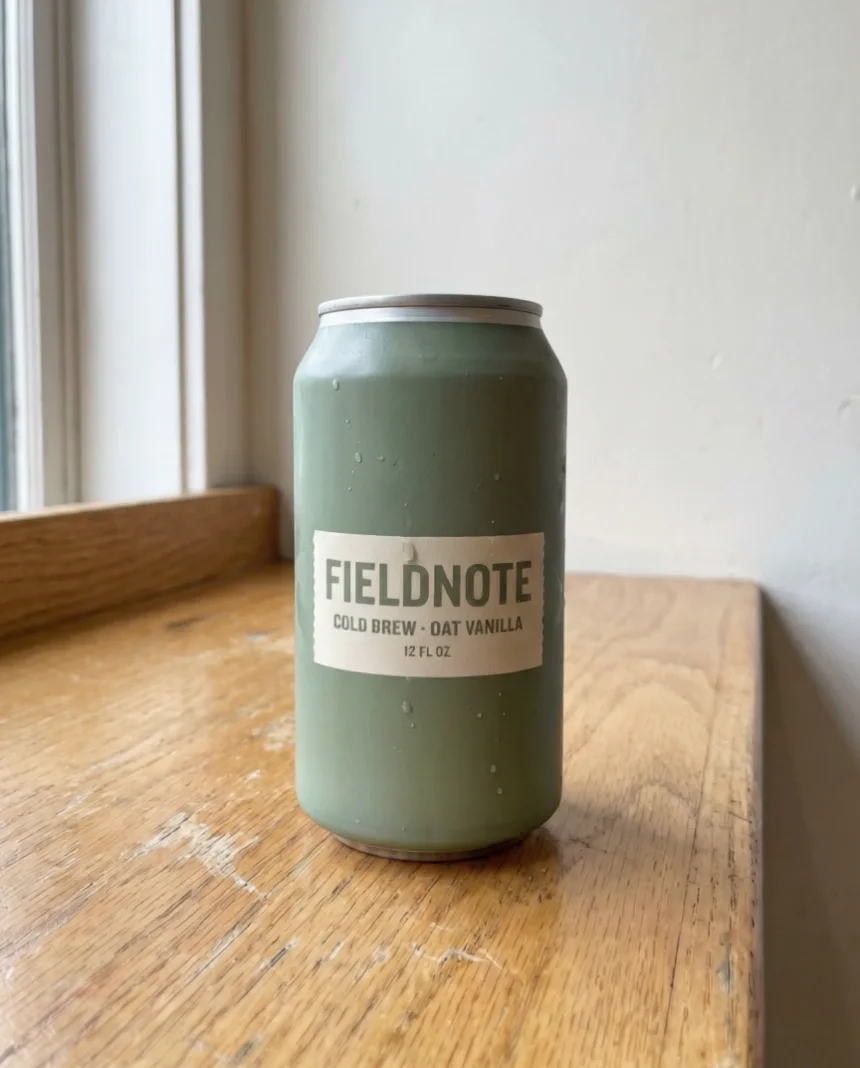
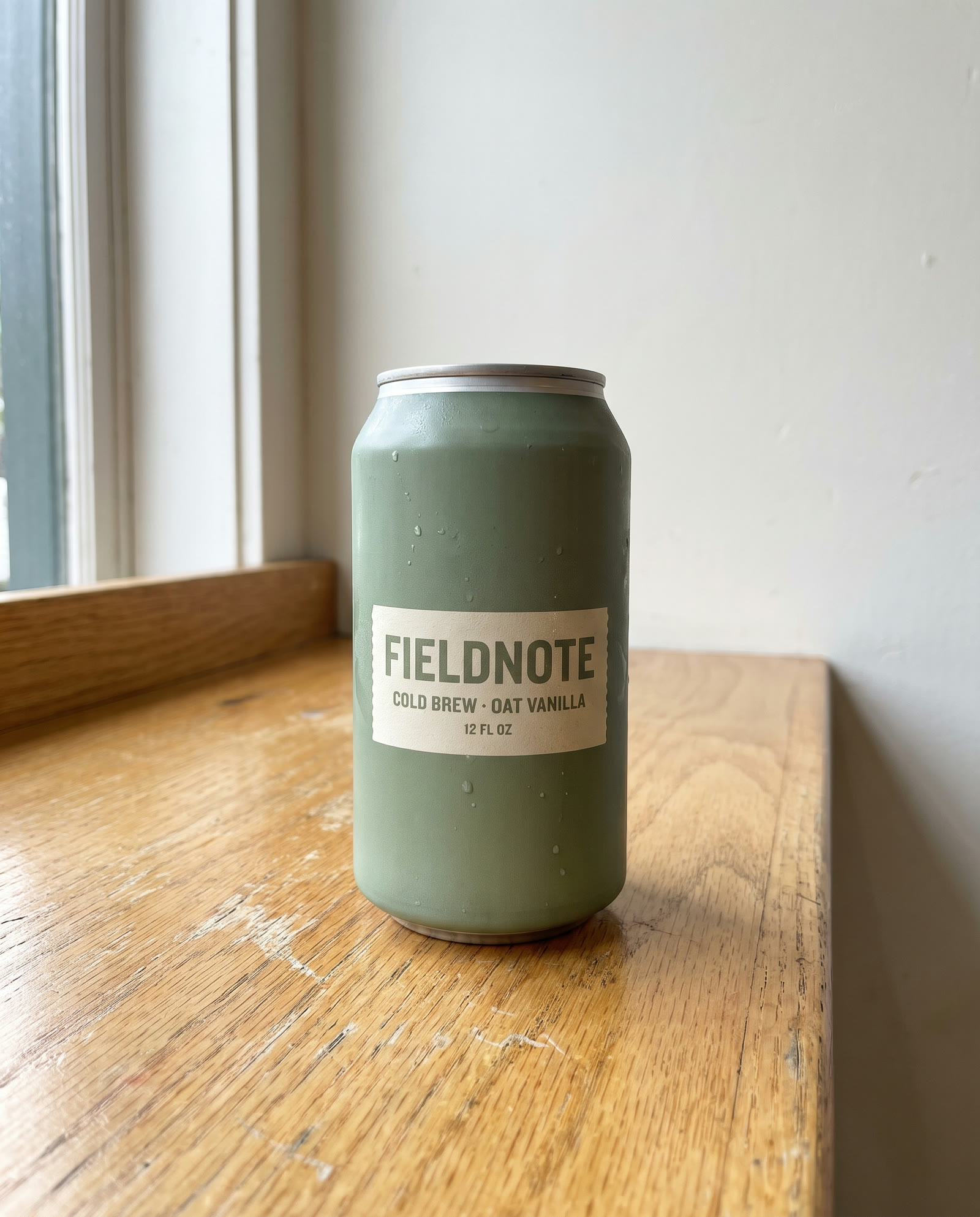
You help Jess Alvarez turn one photo of Fieldnote's new cold brew can into a 5-second 9:16 ad: a 7.5-credit draft on Kling 3.0, a caught mistake (a droplet sliding across the label at 3 seconds), and a clean 35-credit final on Seedance 2.5.
What you need
- Nothing to start the practiceThe lesson is a practice copy of Higgsfield with our real outputs. Fieldnote is made up.
- The sample product photoThe same photo we animated, to try the prompt yourself.
- A Higgsfield account with credits, to do it for realHiggsfield sells monthly plans with credits; check current plans and what the free tier includes before you rely on it. Every cost in this lesson is what our run cost on 29 October 2026. (Affiliate link: I may earn a commission, at no cost to you.)
Concepts
Direct the camera, guard the product
A product video prompt has two halves: the motion ("slow push-in, light shifts, one droplet runs down") and the rules ("the can and label stay sharp and unchanged, no hands, no new objects"). The label is the ad; tell the model to leave it alone.
Draft cheap, finish once
Our draft on Kling 3.0 cost 7.5 credits with sound off; the final on Seedance 2.5 cost 35. The draft proved the idea and showed the problem. Kling also kept the start photo's 4:5 shape even with 9:16 selected; Seedance reframed to a true 9:16.
Scrub, don't just watch
At full speed the Kling video looked fine. Paused at 3 seconds, a droplet sat across the word FIELDNOTE. One bad frame is enough for a customer to call an ad fake.
Do it for real
Now repeat it in your own account. Tick each step as you go.
Downloads
- Every prompt in this course (.txt)The exact prompts, settings, credits and what went wrong in each of our runs.
- Sample product photo (.jpg)Made in Higgsfield for this lesson (Nano Banana Pro, 2 credits).
Quick check
3 questions to check you’ve got it.
1. What belongs in a product video prompt besides the camera move?
- The brand history
- What must not change: the product and label stay sharp, no new objects
- The price
Show the answer
What must not change: the product and label stay sharp, no new objects. The model will move anything you do not protect, including your label.
2. The draft looks great at full speed. What next?
- Post it
- Scrub it second by second, especially across the label
- Make it longer
Show the answer
Scrub it second by second, especially across the label. Our draft had a droplet across the label at 3 seconds that only shows when paused.
3. Which order keeps credits down?
- Final model first, then a draft
- Cheap draft (7.5), then one final run (35) once the idea works
- Run both models three times
Show the answer
Cheap draft (7.5), then one final run (35) once the idea works. Draft on the cheap model; pay for the strong one once.
Higgsfield: Professional Headshots for the Whole Team, No Photo Shoot
Next, a law firm turns one casual photo into a matching set of professional headshots, with consent.
Start module 3 →