How to reply Faster: Turn a Messy Customer Email Thread into a Clear, Friendly Reply: step-by-step guide with screenshots
Updated
Turn a messy customer email thread into a clear, friendly reply: give ChatGPT the thread and your facts, check every promise, fix the tone, and send it from Gmail.
About the screenshots. They come from Stepthrough’s simulated practice environment (a practice copy of ChatGPT), not the live tool, so no real account appears. The buttons and labels match the real screens the lesson was built against. Practice it yourself free at learn.ynteractive.com.
- Tools: ChatGPT
- Time: about 9 minutes, 20 steps in 6 parts
- Level: beginner, no coding needed
Part 1: Copy the thread
Step 1: Open the thread
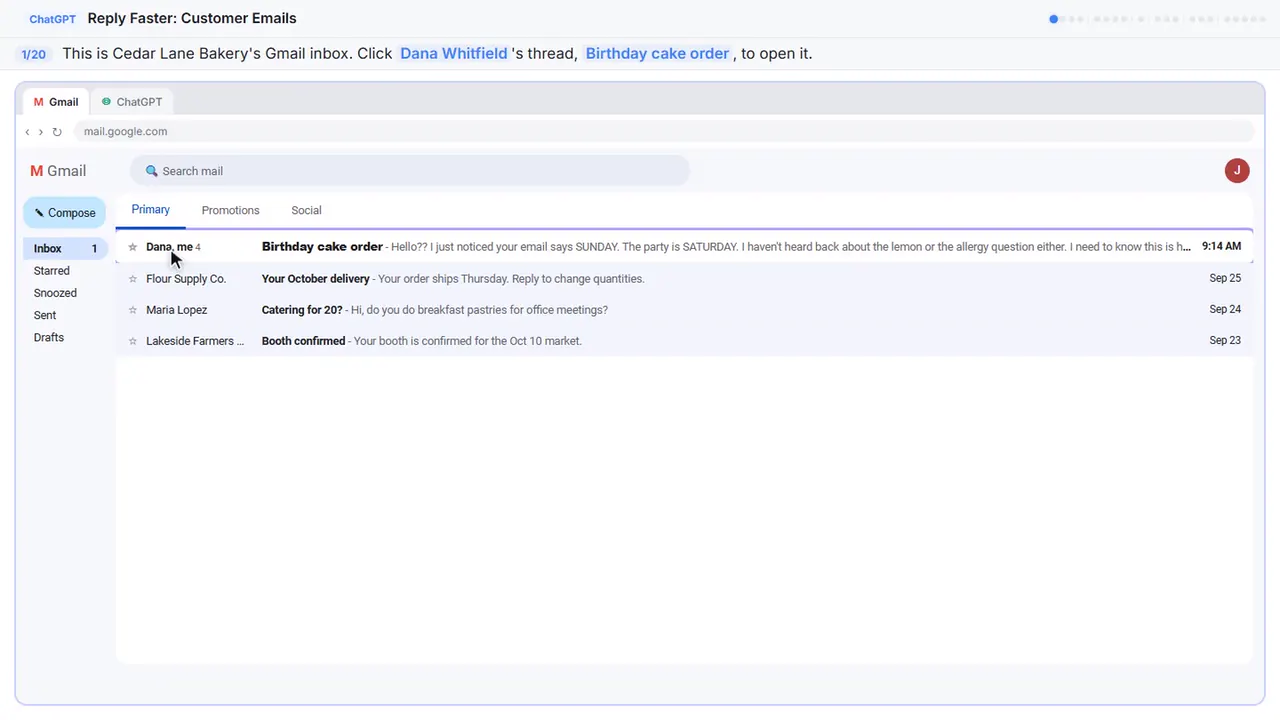
Here's the inbox for Cedar Lane Bakery, a small neighborhood shop. Dana's email thread has four messages, a date mix-up, and two unanswered questions.
Step 2: Expand all messages
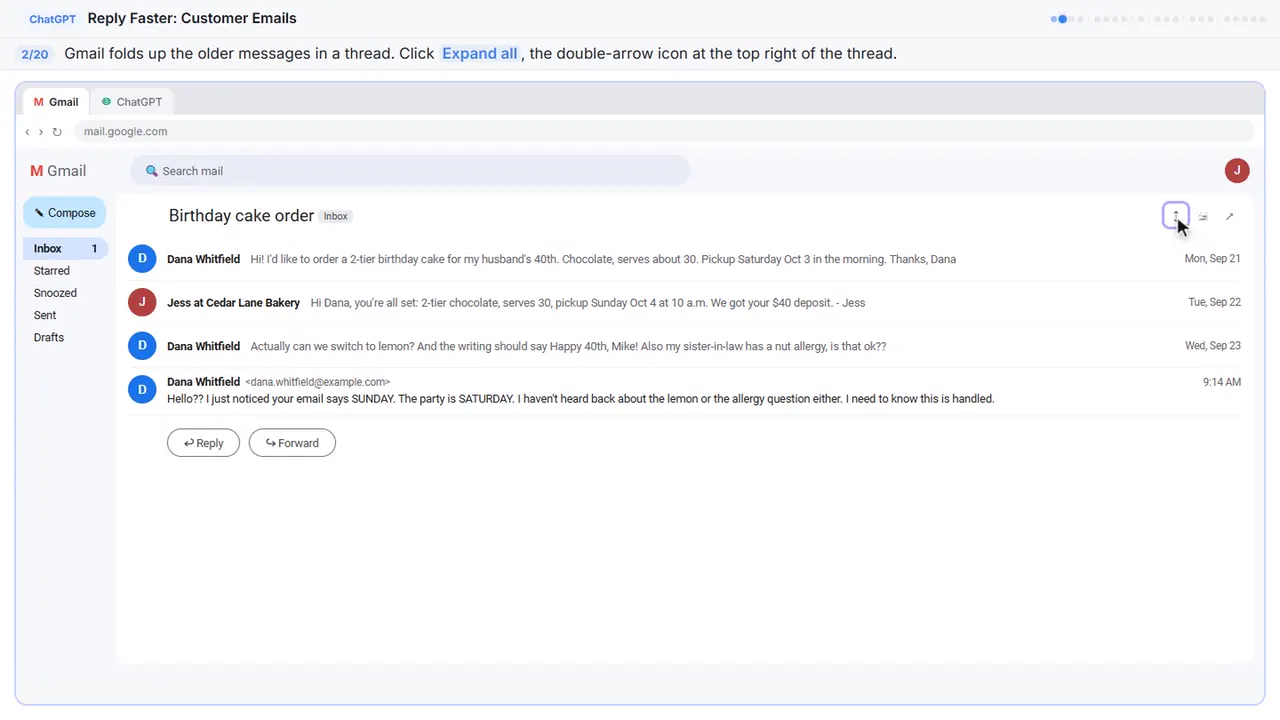
Gmail folds up the older messages, so only the newest one is open. You want the whole story, so click Expand all, the double-arrow icon at the top right.
Step 3: Copy the thread
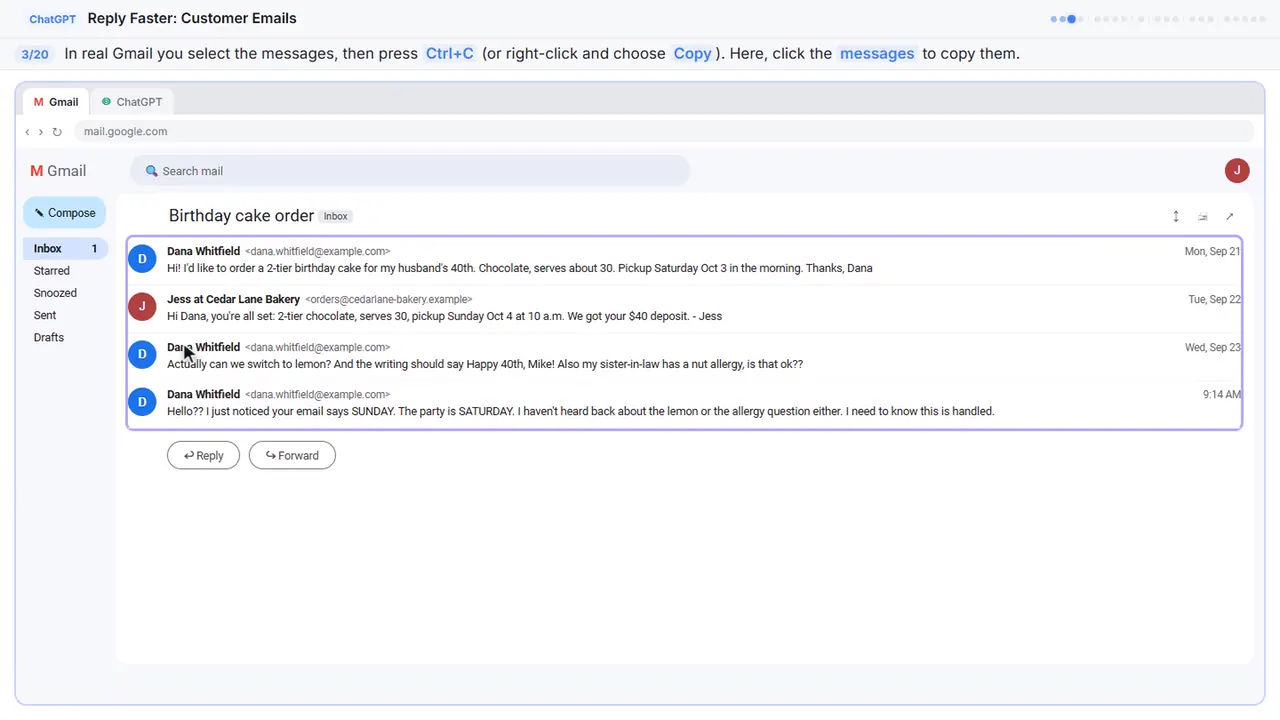
Read it through once. There's the wrong pickup day, a flavor change, and a nut allergy question. If there is anything private in there, like a card number, leave it out. Here, just click the messages.
Step 4: Switch to ChatGPT
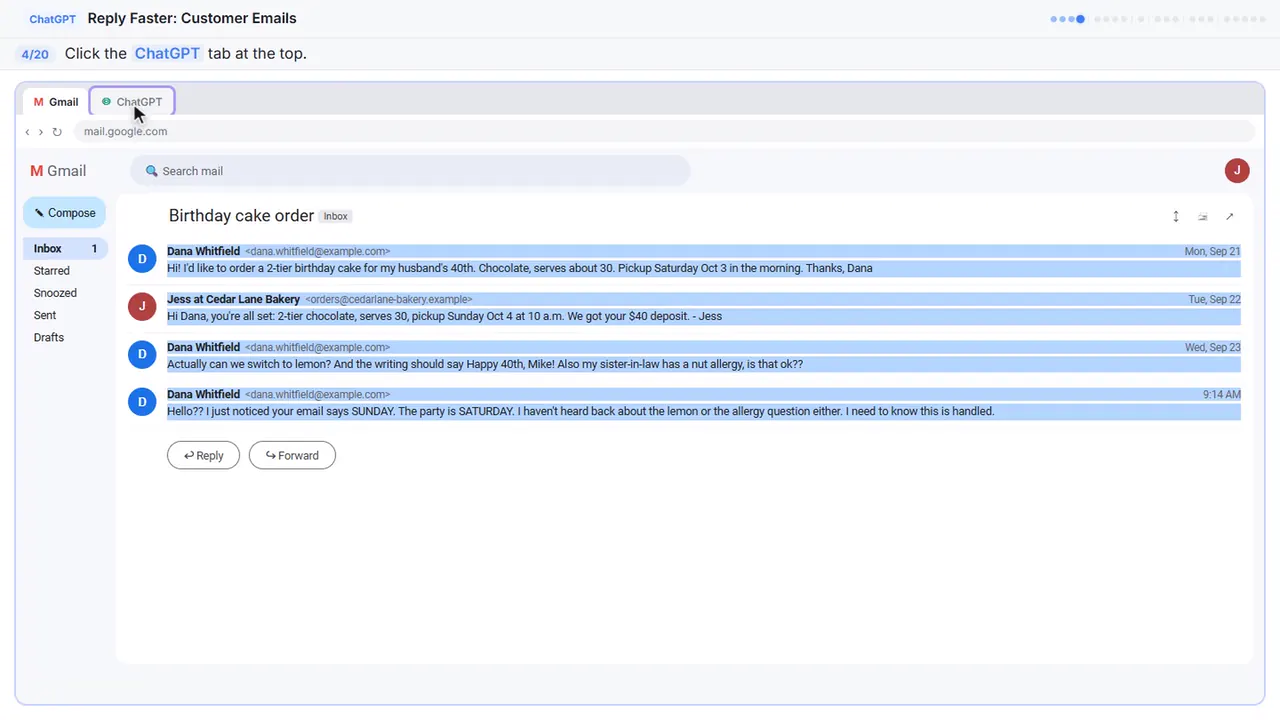
Now switch over to ChatGPT.
Part 2: Give ChatGPT the context
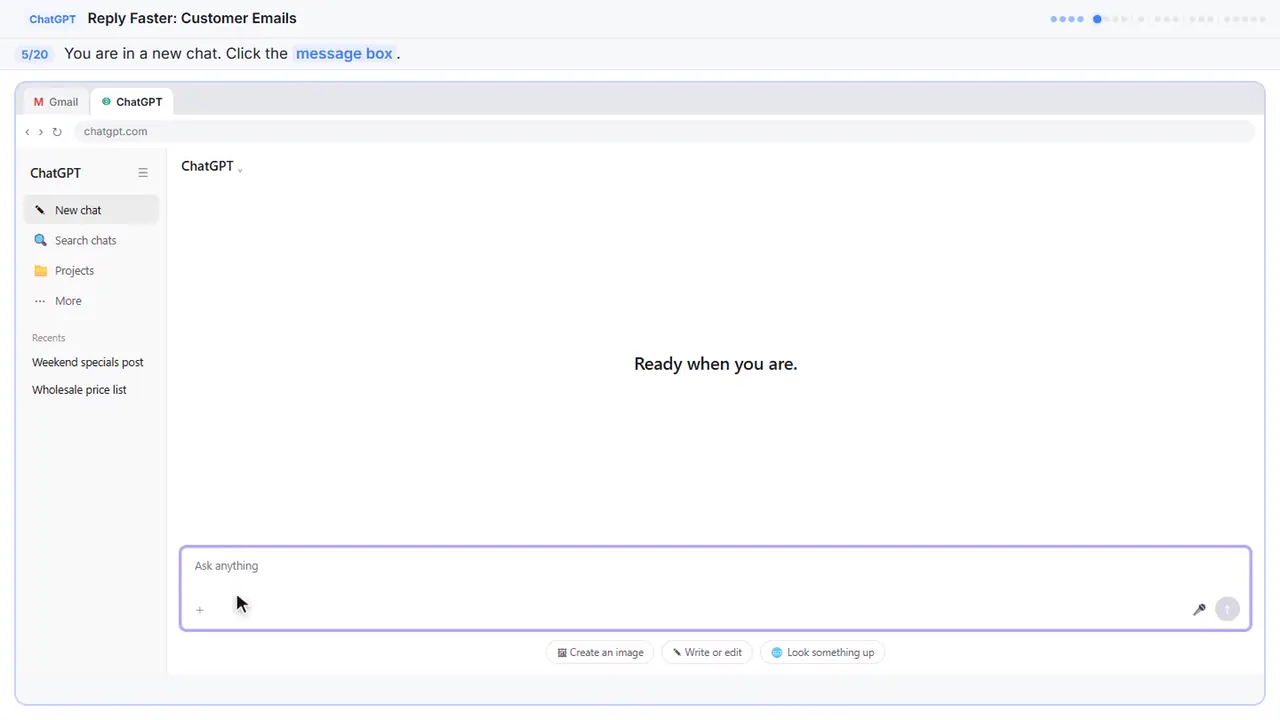
Step 5: Click the message box
You're in a fresh chat. You'll give ChatGPT three things in one message: the thread, the facts, and what a good reply looks like.
Step 6: Paste the thread
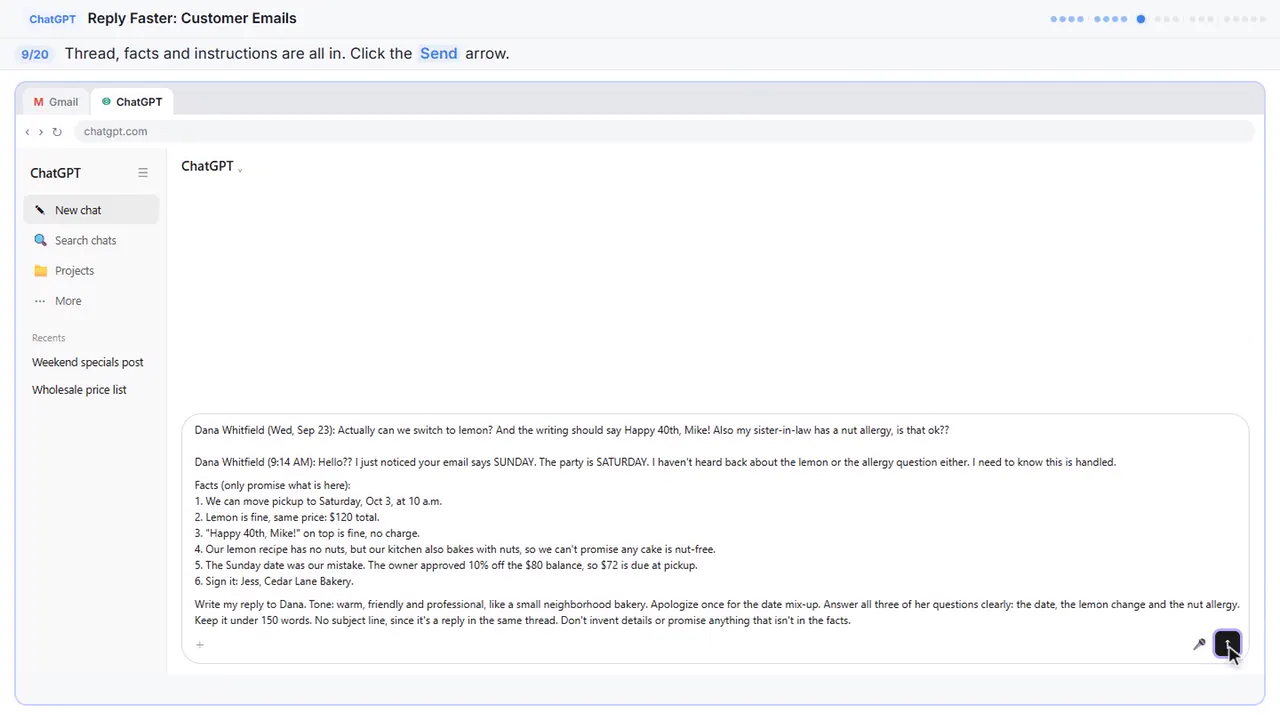
First, the thread. One line tells ChatGPT what it's looking at, then the emails, oldest first.
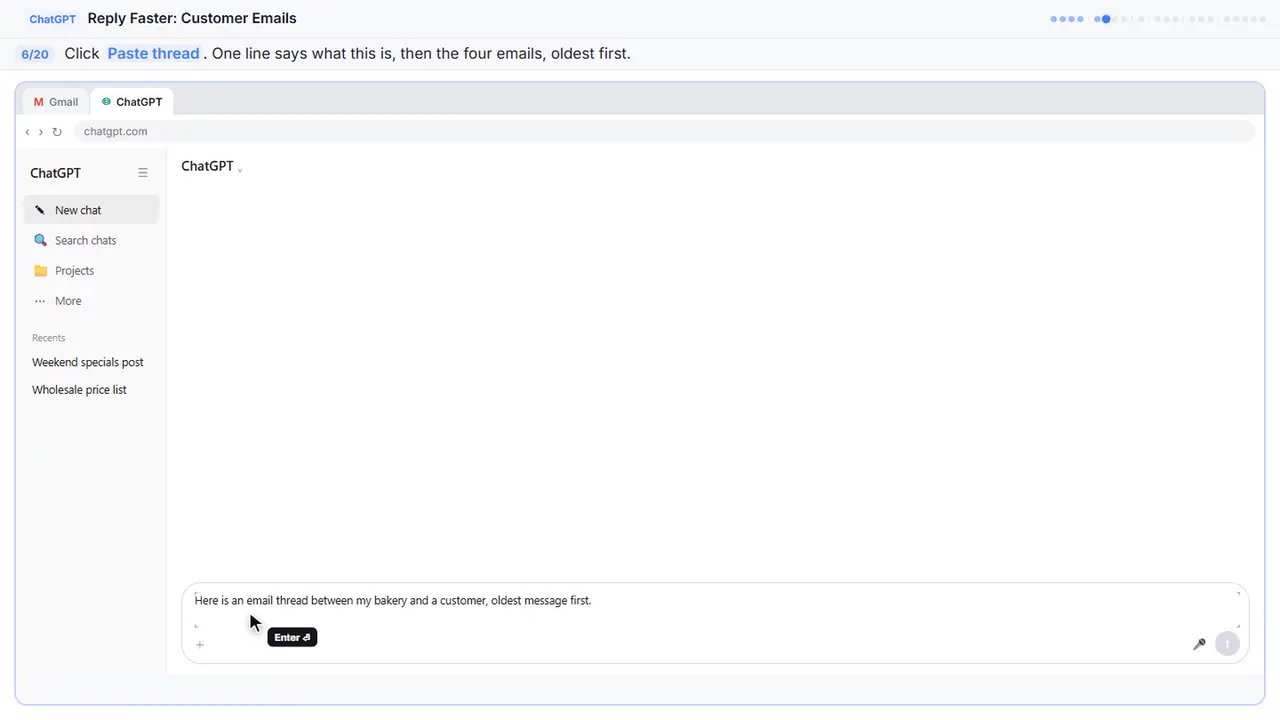
Here is an email thread between my bakery and a customer, oldest message first.

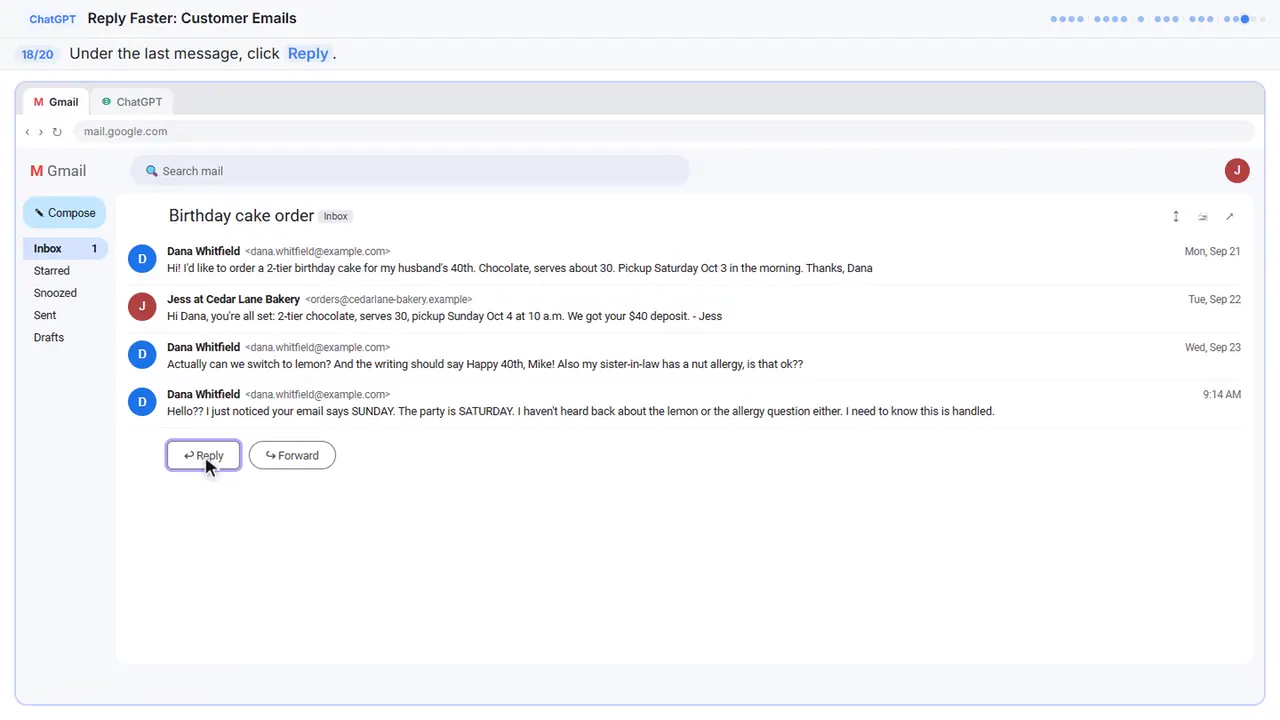
Dana Whitfield (Mon, Sep 21): Hi! I'd like to order a 2-tier birthday cake for my husband's 40th. Chocolate, serves about 30. Pickup Saturday Oct 3 in the morning. Thanks, Dana

Jess at Cedar Lane Bakery (Tue, Sep 22): Hi Dana, you're all set: 2-tier chocolate, serves 30, pickup Sunday Oct 4 at 10 a.m. We got your $40 deposit. - Jess

Dana Whitfield (Wed, Sep 23): Actually can we switch to lemon? And the writing should say Happy 40th, Mike! Also my sister-in-law has a nut allergy, is that ok??

Dana Whitfield (9:14 AM): Hello?? I just noticed your email says SUNDAY. The party is SATURDAY. I haven't heard back about the lemon or the allergy question either. I need to know this is handled.
Step 7: Add the facts
Next, the facts. ChatGPT can't know your schedule, your prices, or what your kitchen can promise, so spell them out. Number them, so you can check them later.
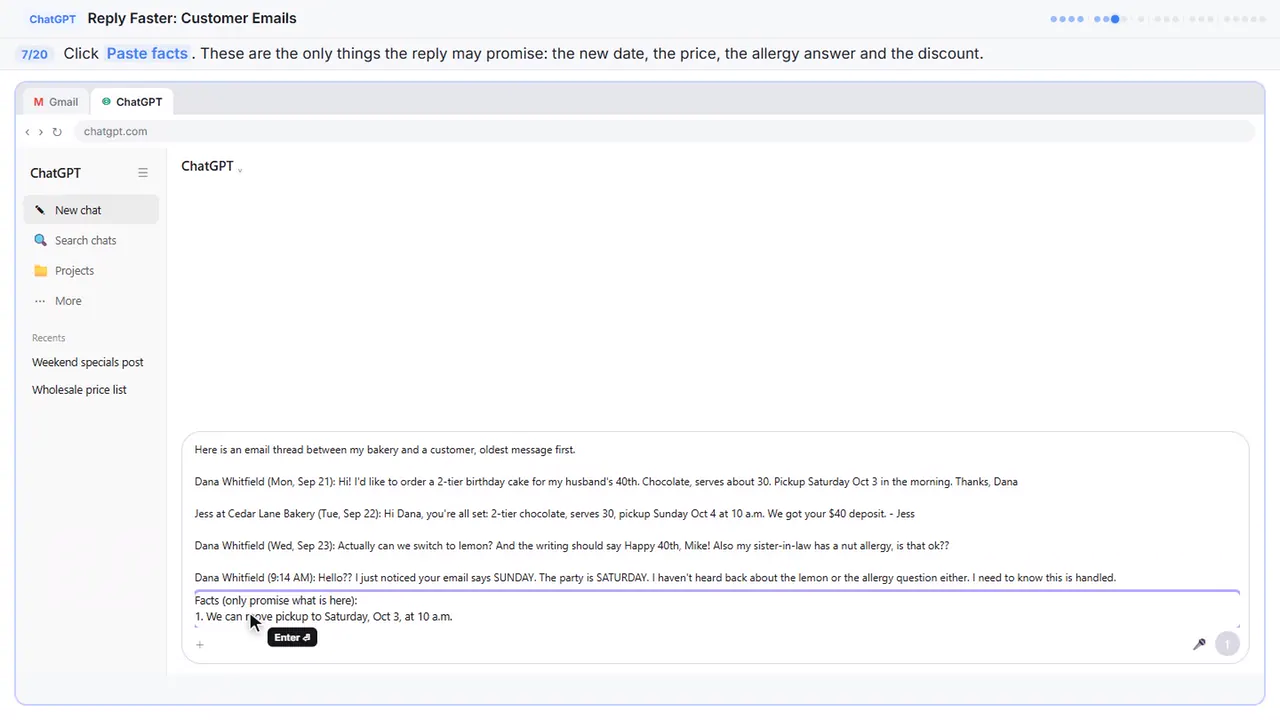
Facts (only promise what is here):
1. We can move pickup to Saturday, Oct 3, at 10 a.m.
2. Lemon is fine, same price: $120 total.
3. "Happy 40th, Mike!" on top is fine, no charge.
4. Our lemon recipe has no nuts, but our kitchen also bakes with nuts, so we can't promise any cake is nut-free.
5. The Sunday date was our mistake. The owner approved 10% off the $80 balance, so $72 is due at pickup.
6. Sign it: Jess, Cedar Lane Bakery.
Step 8: Say what a good reply looks like
Last, tell it what a good reply looks like: the tone, the three questions to answer, and a word limit. And one rule that matters most: don't invent details or promise anything that isn't in the facts.
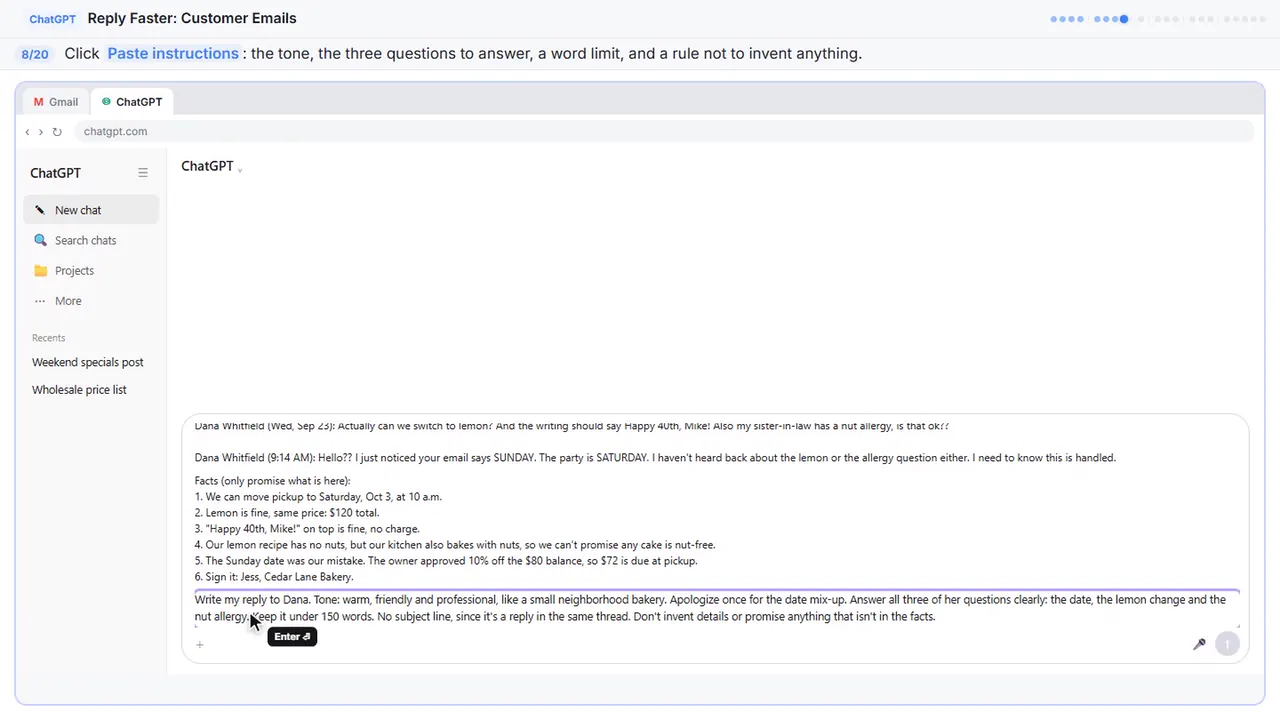
Write my reply to Dana. Tone: warm, friendly and professional, like a small neighborhood bakery. Apologize once for the date mix-up. Answer all three of her questions clearly: the date, the lemon change and the nut allergy. Keep it under 150 words. No subject line, since it's a reply in the same thread. Don't invent details or promise anything that isn't in the facts.
Part 3: Get the first draft
Step 9: Send it
Thread, facts, and instructions, all in one message.
Part 4: Check every promise
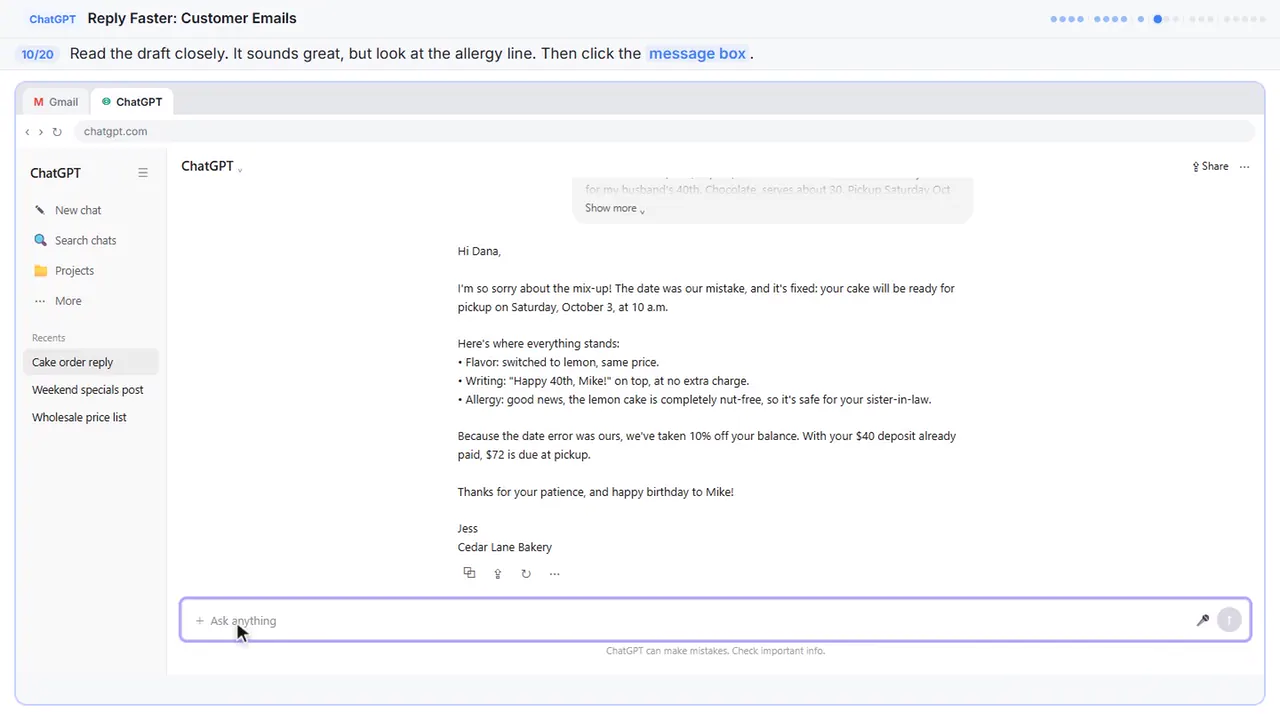
Step 10: Read the draft, then click the message box
That's a solid first draft. It apologizes once, fixes the date, and answers every question. But read the allergy line: completely nut-free. That isn't in your facts. A draft can sound careful and still promise too much.
Step 11: Ask ChatGPT to check its promises
Ask ChatGPT to check its own work: every promise in the reply, next to the fact that backs it up.
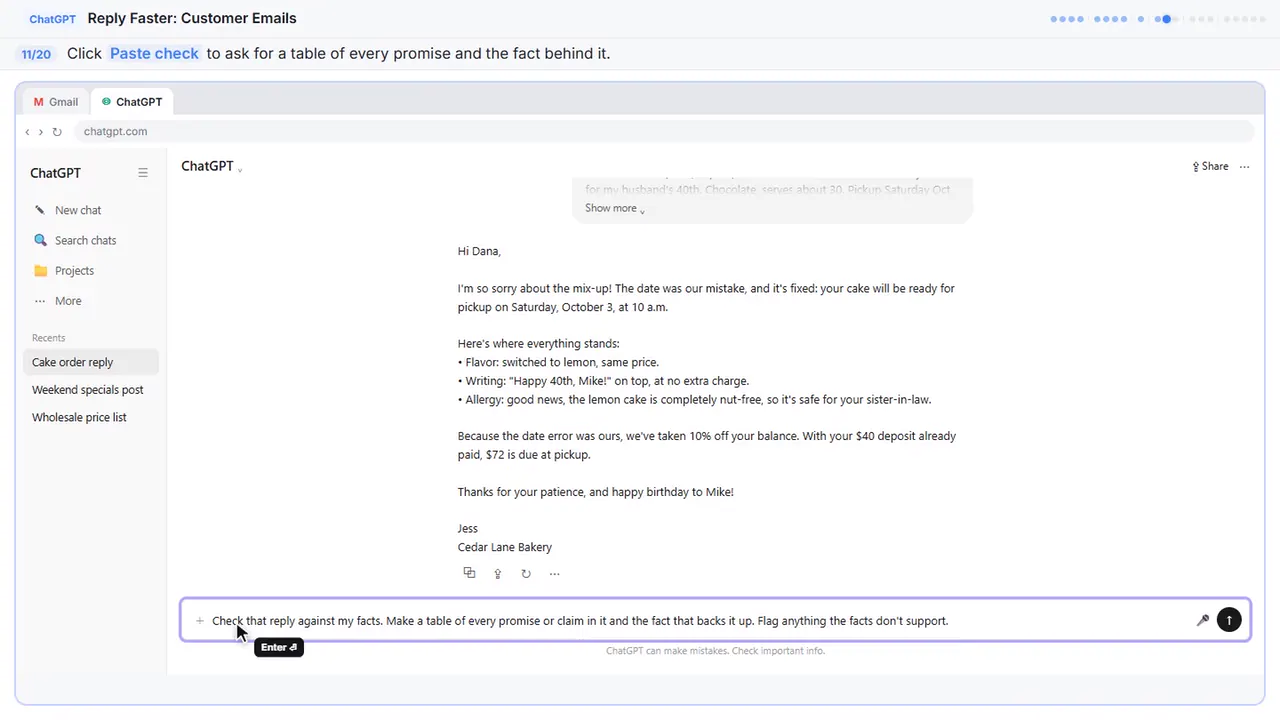
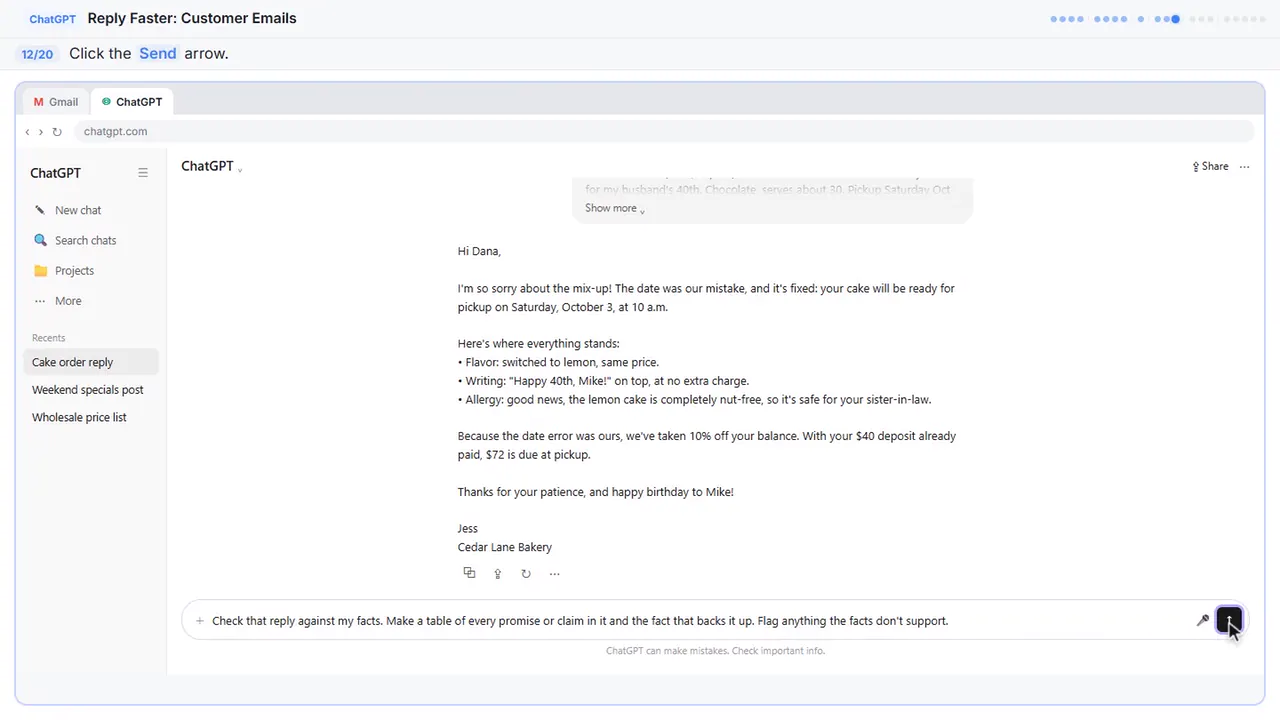
Check that reply against my facts. Make a table of every promise or claim in it and the fact that backs it up. Flag anything the facts don't support.
Step 12: Send the check
Part 5: Fix it and warm it up
Step 13: Read the table, then click the message box
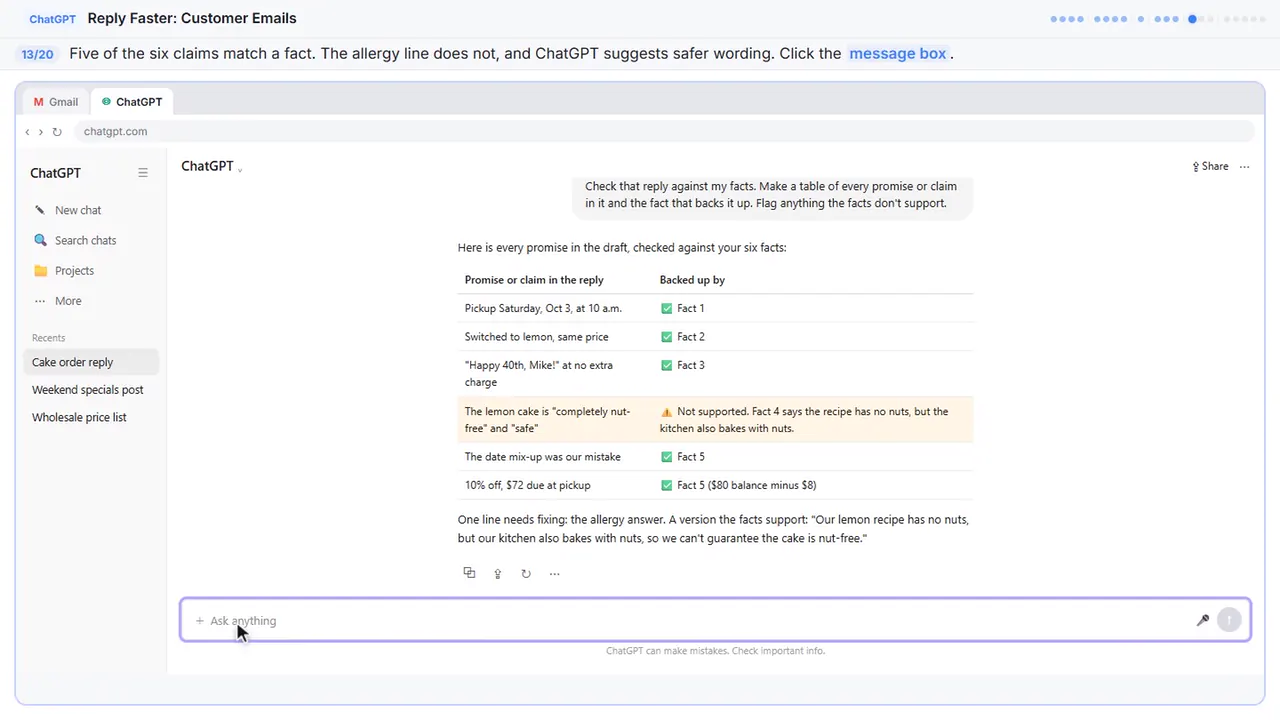
Five of the six claims match a fact. The allergy line doesn't, and ChatGPT even suggests wording your facts support. Still compare the table with your own facts, since you know the business.
Step 14: Ask for specific changes
Now ask for specific changes, not just make it better. Use the safer allergy line, make it a little warmer and shorter, and keep every other fact exactly the same.
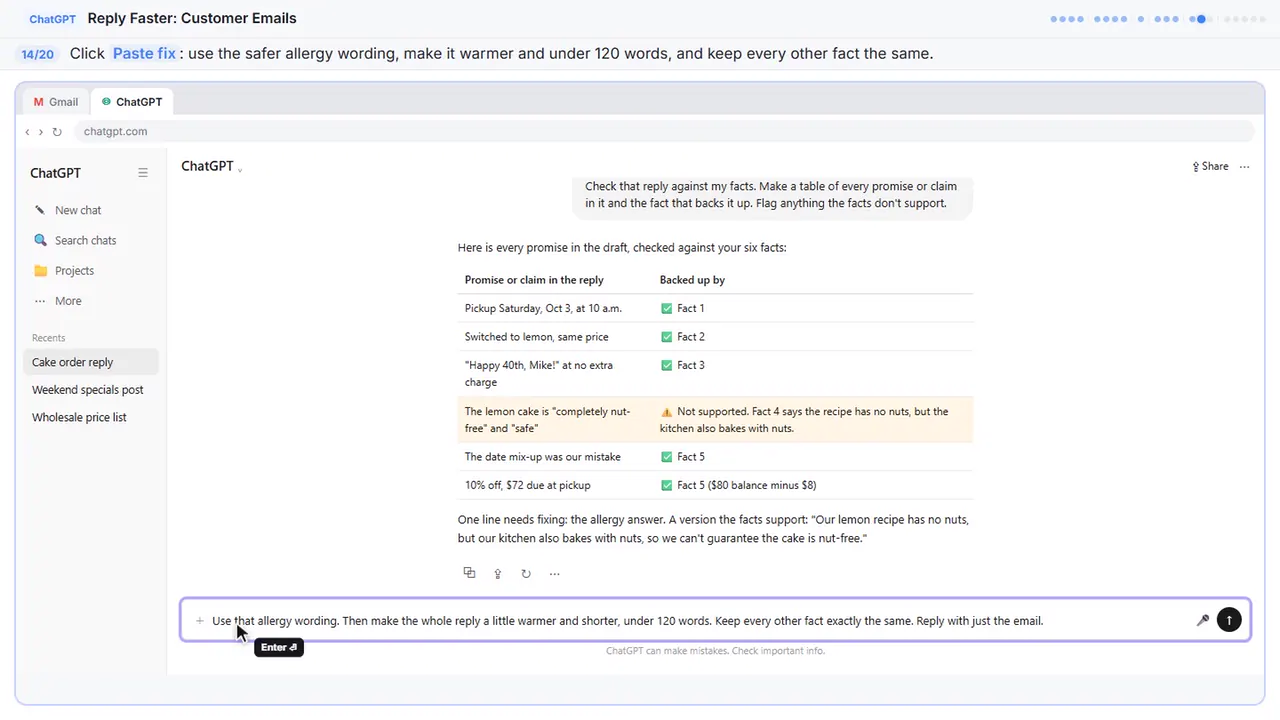
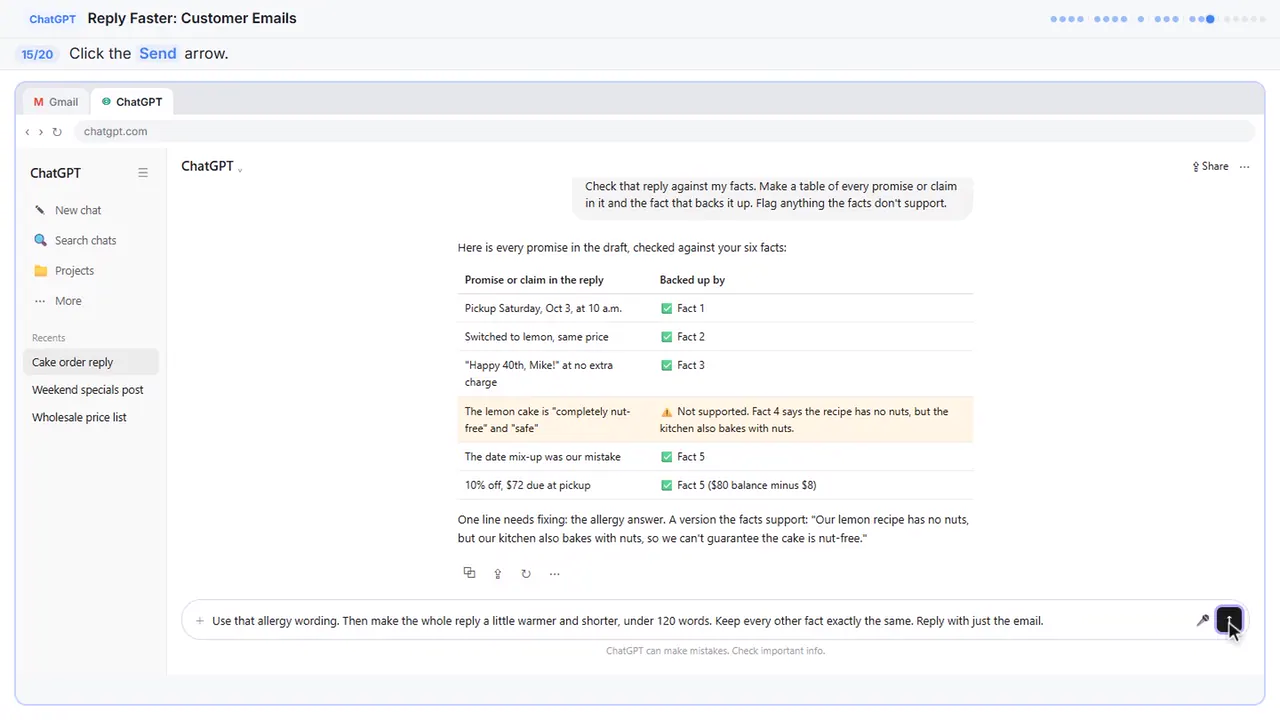
Use that allergy wording. Then make the whole reply a little warmer and shorter, under 120 words. Keep every other fact exactly the same. Reply with just the email.
Step 15: Send the fix
Part 6: Send it from Gmail
Step 16: Copy the reply
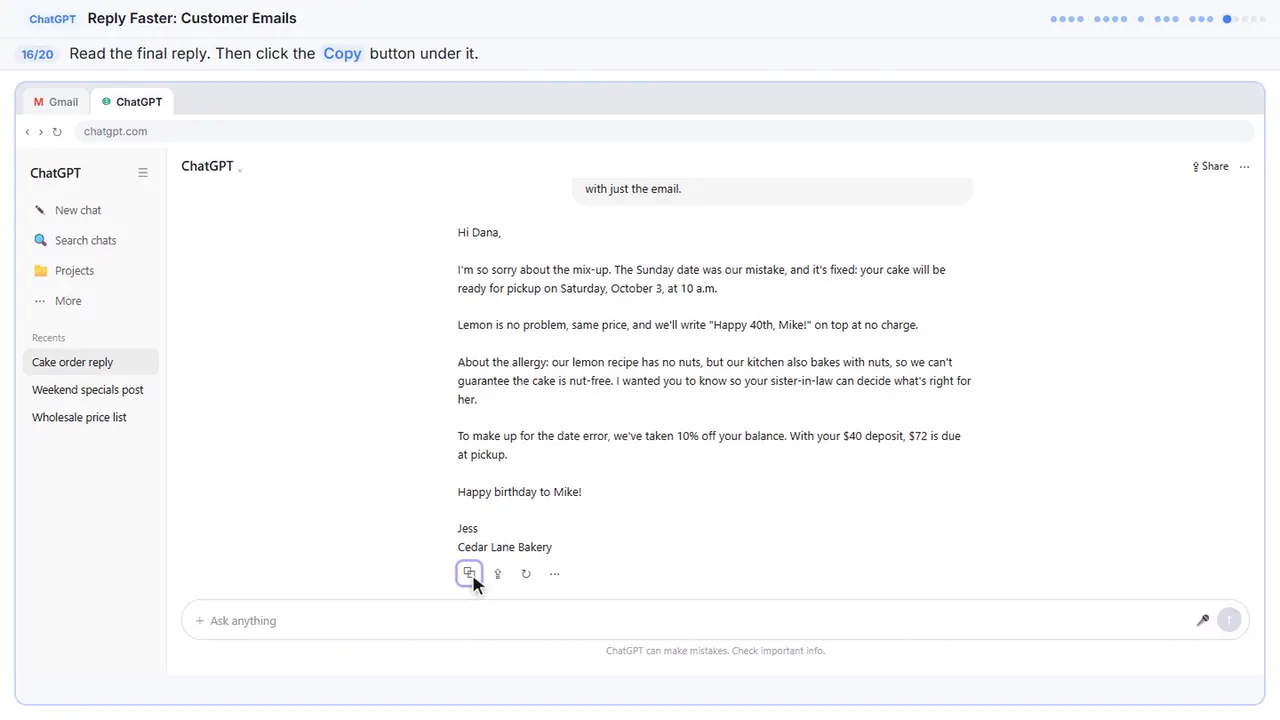
Read it once more. The date is fixed, the allergy answer is honest, and the discount is right. It sounds like a real person at a neighborhood bakery.
Step 17: Go back to Gmail
Back to Gmail.
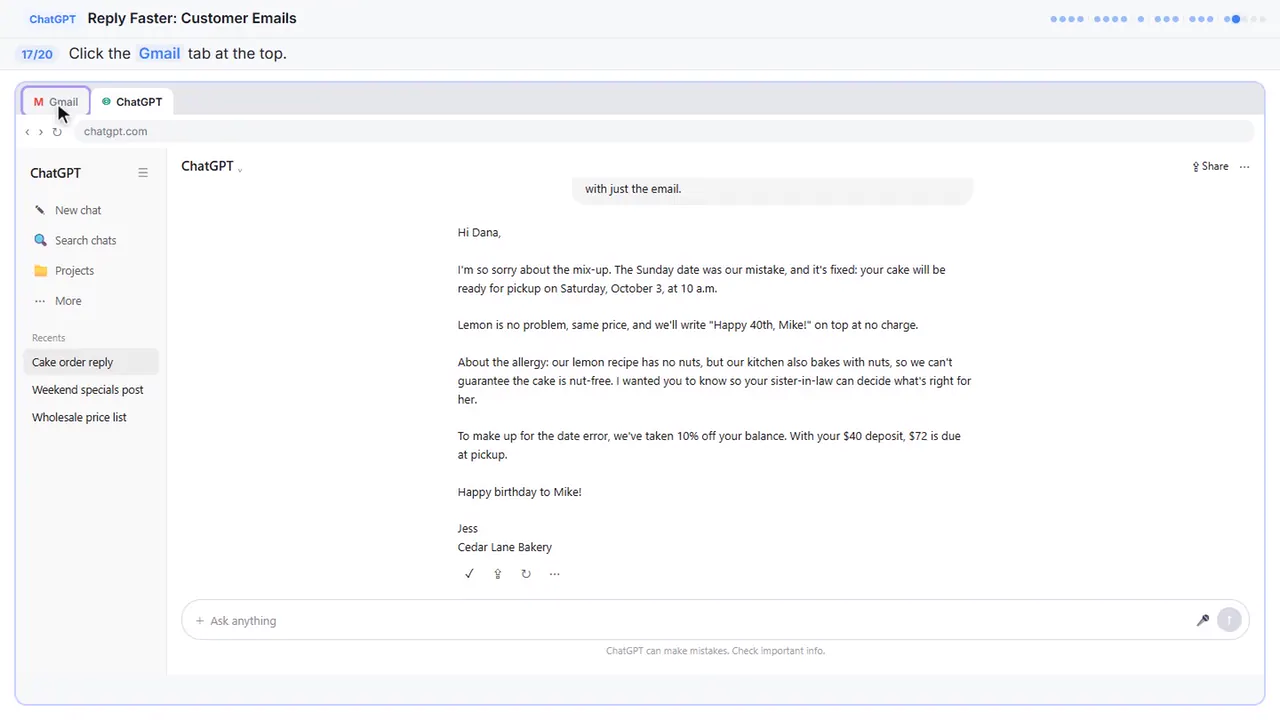
Step 18: Click Reply
Under Dana's last message, click Reply. Your answer stays in the same thread, which is why you told ChatGPT to skip the subject line.
Step 19: Paste the reply
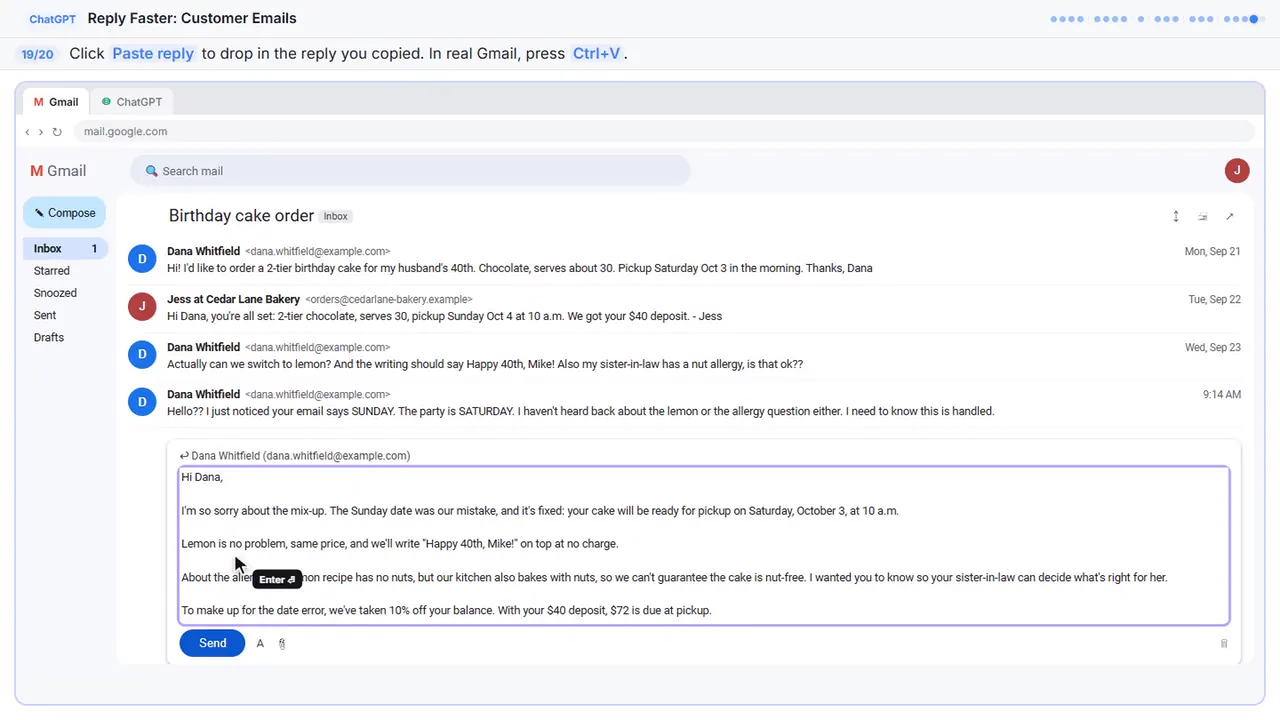
Hi Dana,

I'm so sorry about the mix-up. The Sunday date was our mistake, and it's fixed: your cake will be ready for pickup on Saturday, October 3, at 10 a.m.

Lemon is no problem, same price, and we'll write "Happy 40th, Mike!" on top at no charge.

About the allergy: our lemon recipe has no nuts, but our kitchen also bakes with nuts, so we can't guarantee the cake is nut-free. I wanted you to know so your sister-in-law can decide what's right for her.

To make up for the date error, we've taken 10% off your balance. With your $40 deposit, $72 is due at pickup.

Happy birthday to Mike!

Jess
Cedar Lane Bakery
Step 20: Read it, then send
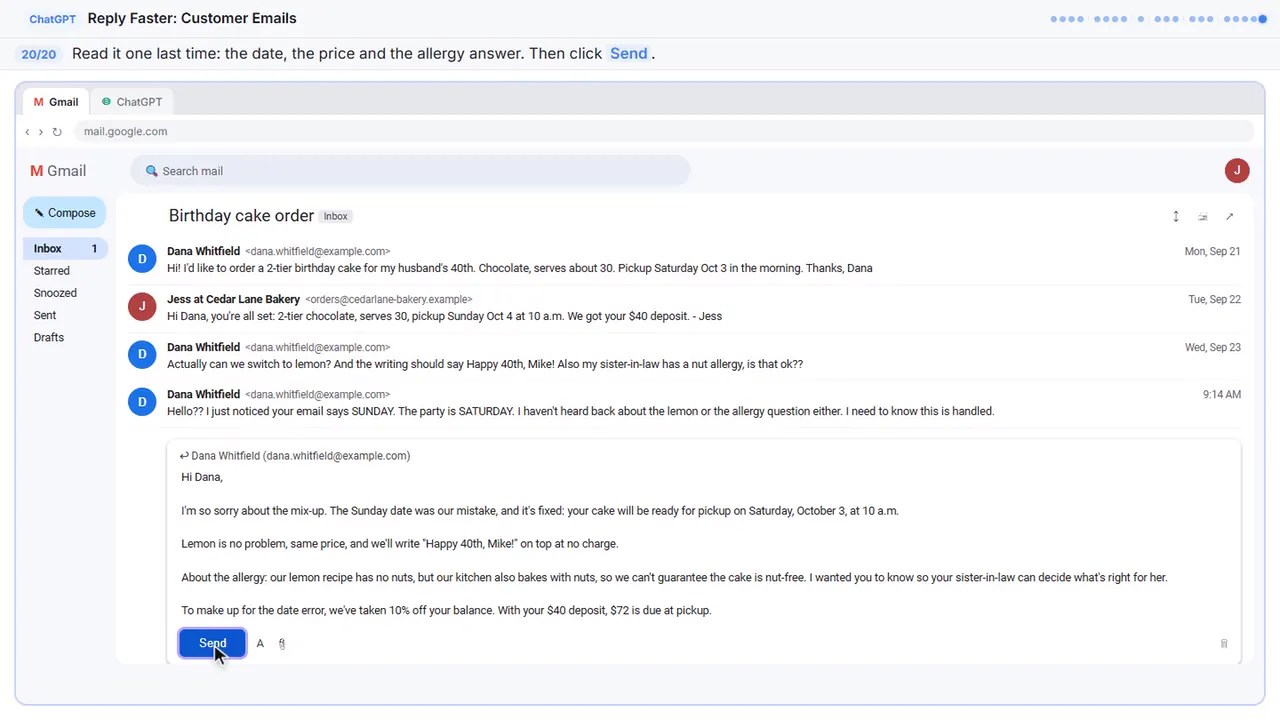
One last read before it goes out. ChatGPT wrote the draft, but you're the one sending it, so check the date, the price, and the allergy answer. Everything's right.
Now do it yourself, free
Reading the steps is a start. Doing them is how it sticks. The interactive lesson puts you in a practice copy of ChatGPT: you do every step yourself, it checks your work, and “Do it for me” finishes any step you get stuck on. Nothing touches your real accounts.
Practice “Reply Faster: Turn a Messy Customer Email Thread into a Clear, Friendly Reply” step by stepWatch the 2:51 video walkthrough · Reply Faster: Turn a Messy Customer Email Thread into a Clear, Friendly Reply: lesson overview · All free tutorials