How to reply Faster to Claim-Status Emails: ChatGPT for Independent Insurance Agencies: step-by-step guide with screenshots
Updated
A client with an open auto claim wants a payment date, a rental and a promise about her rate. Give ChatGPT the thread and your agency's facts, catch what it shouldn't promise, and send an honest reply from Gmail.
About the screenshots. They come from Stepthrough’s simulated practice environment (a practice copy of ChatGPT), not the live tool, so no real account appears. The buttons and labels match the real screens the lesson was built against. Practice it yourself free at learn.ynteractive.com.
- Tools: ChatGPT
- Time: about 10 minutes, 20 steps in 6 parts
- Level: beginner, no coding needed
Part 1: Copy the thread
Step 1: Open the thread
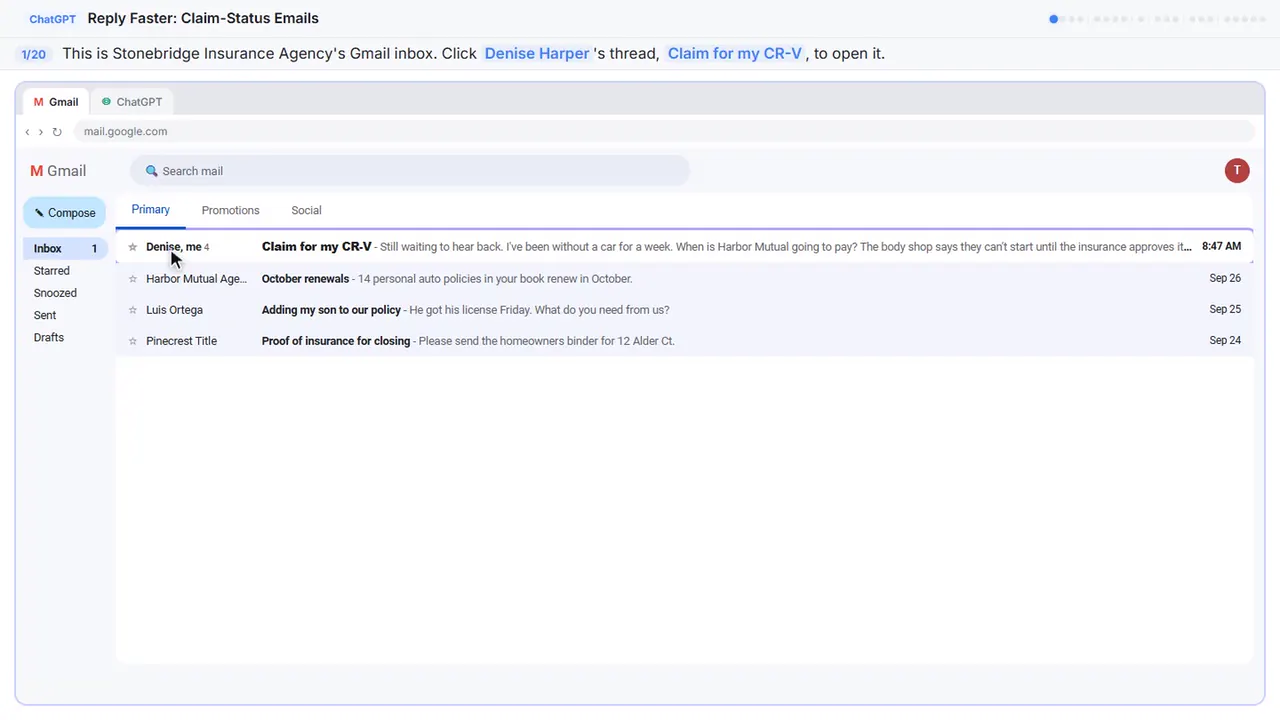
Here's the inbox for Stonebridge Insurance Agency, a small independent agency. Denise hit a deer a week ago, and her thread has four messages, three questions, and still no clear answer.
Step 2: Expand all messages
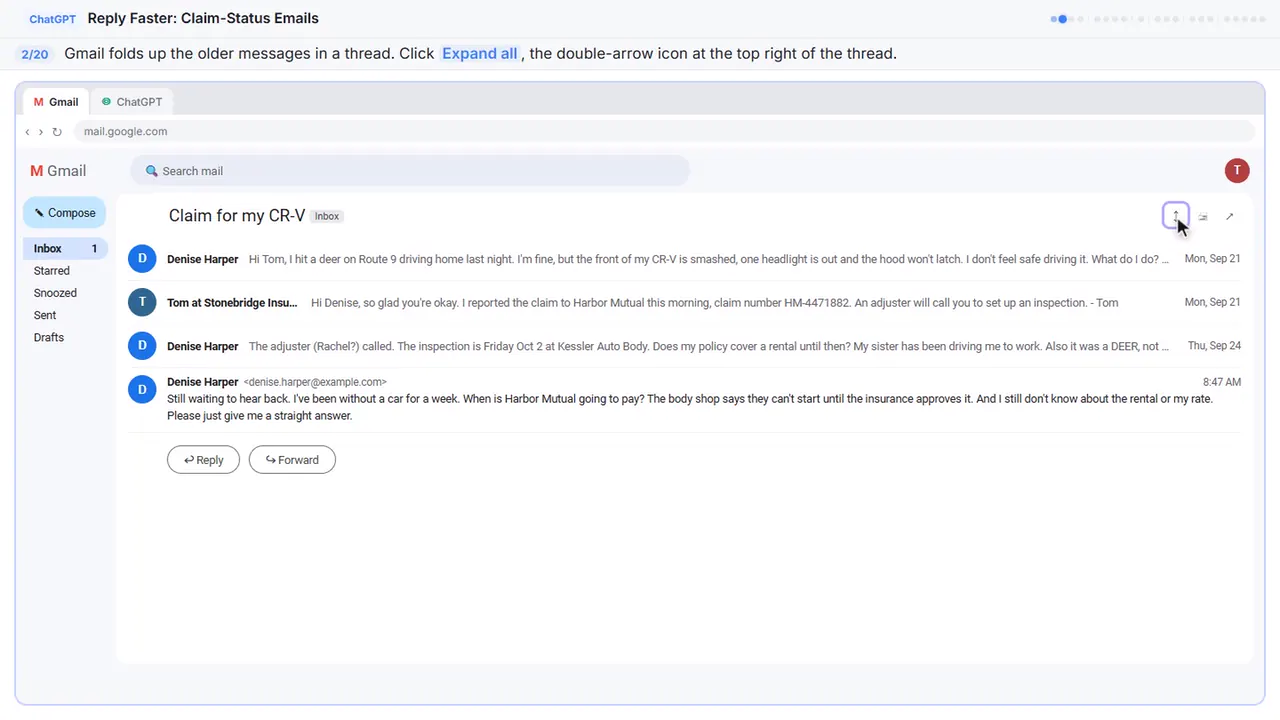
Gmail folds up the older messages, so only the newest one is open. You want the whole story, so click Expand all, the double-arrow icon at the top right.
Step 3: Copy the thread
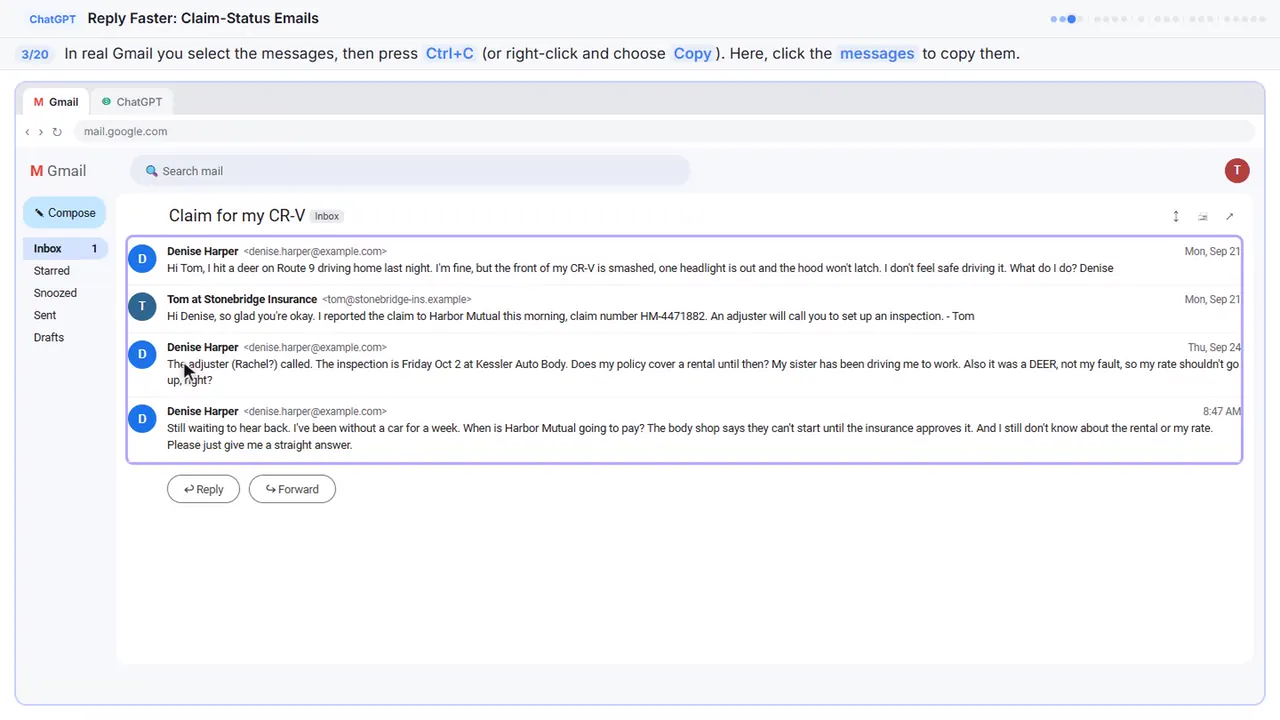
Read it through once. Denise wants to know when she'll be paid, whether a rental is covered, and if her rate will go up. If there's anything private in there, like a driver's license number or a date of birth, leave it out. Here, just click the messages.
Step 4: Switch to ChatGPT
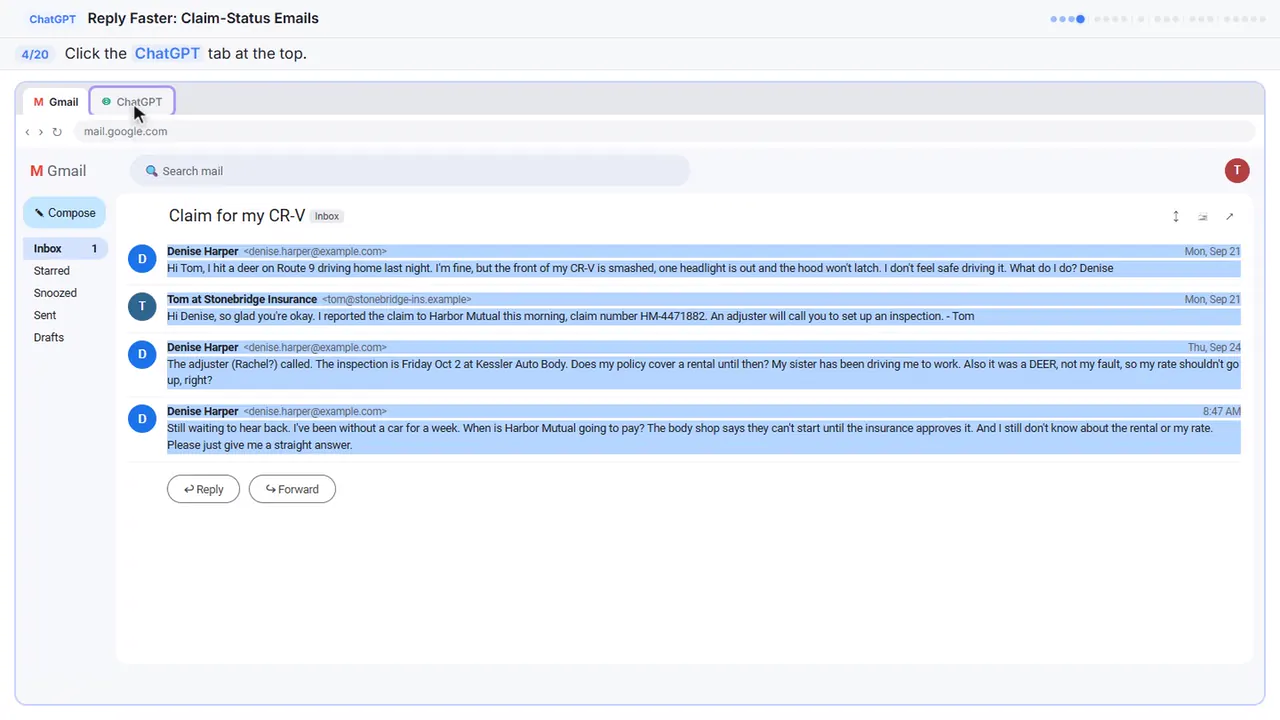
Now switch over to ChatGPT.
Part 2: Give ChatGPT the context
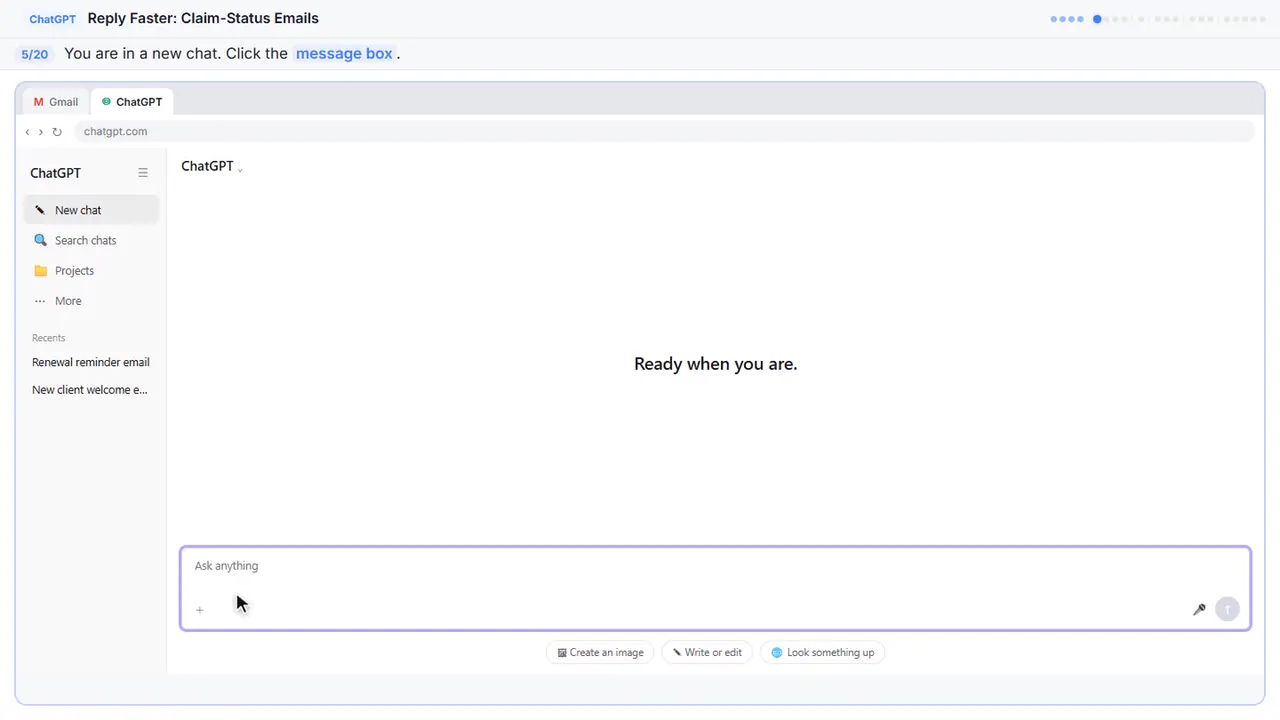
Step 5: Click the message box
You're in a fresh chat. You'll give ChatGPT three things in one message: the thread, the facts, and what a good reply looks like.
Step 6: Paste the thread
First, the thread. One line tells ChatGPT what it's looking at, then the emails, oldest first.
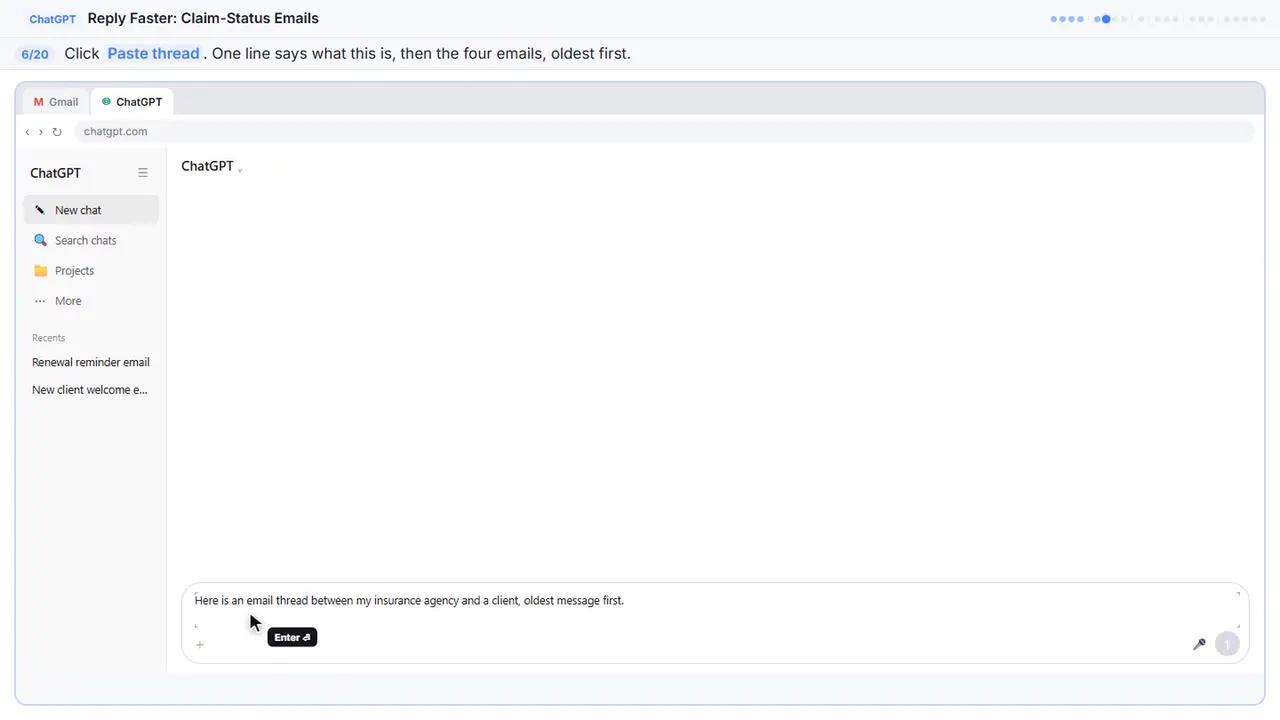
Here is an email thread between my insurance agency and a client, oldest message first.

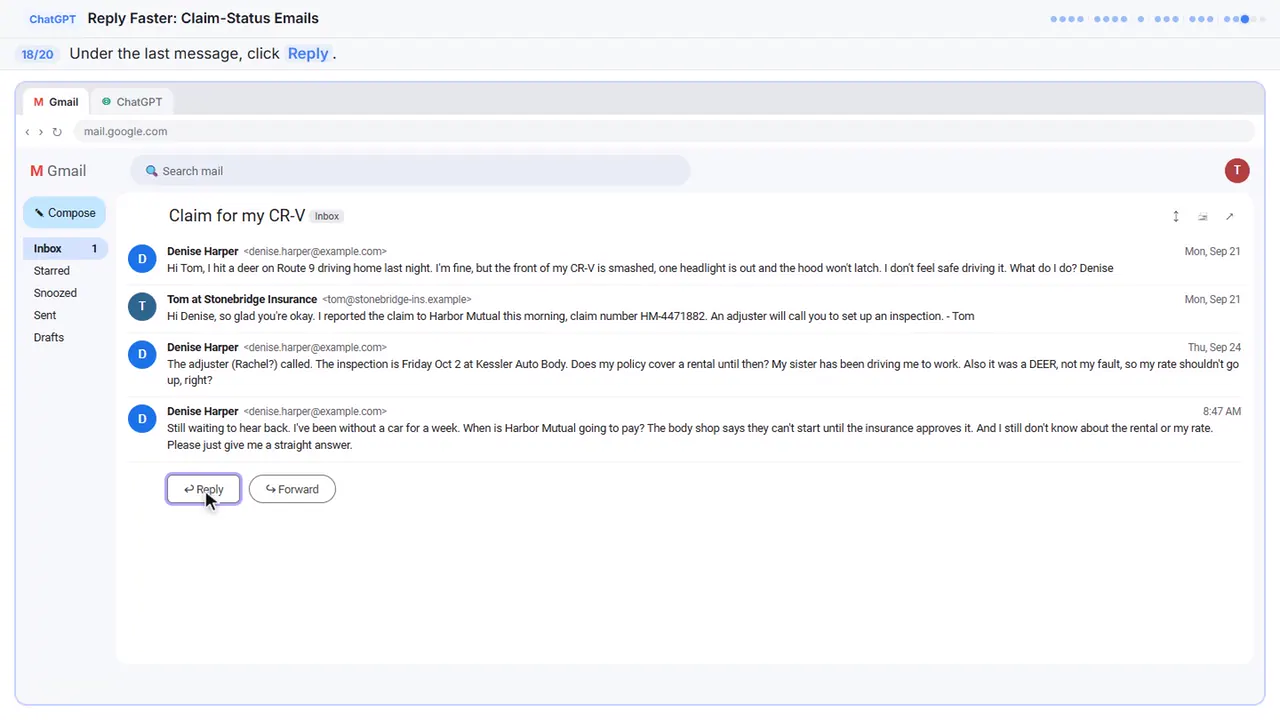
Denise Harper (Mon, Sep 21): Hi Tom, I hit a deer on Route 9 driving home last night. I'm fine, but the front of my CR-V is smashed, one headlight is out and the hood won't latch. I don't feel safe driving it. What do I do? Denise

Tom at Stonebridge Insurance (Mon, Sep 21): Hi Denise, so glad you're okay. I reported the claim to Harbor Mutual this morning, claim number HM-4471882. An adjuster will call you to set up an inspection. - Tom

Denise Harper (Thu, Sep 24): The adjuster (Rachel?) called. The inspection is Friday Oct 2 at Kessler Auto Body. Does my policy cover a rental until then? My sister has been driving me to work. Also it was a DEER, not my fault, so my rate shouldn't go up, right?

Denise Harper (8:47 AM): Still waiting to hear back. I've been without a car for a week. When is Harbor Mutual going to pay? The body shop says they can't start until the insurance approves it. And I still don't know about the rental or my rate. Please just give me a straight answer.
Step 7: Add the facts
Next, the facts. ChatGPT can't see the claim file, her declarations page, or what your agency can promise for the carrier, so spell them out. Number them, so you can check them later.
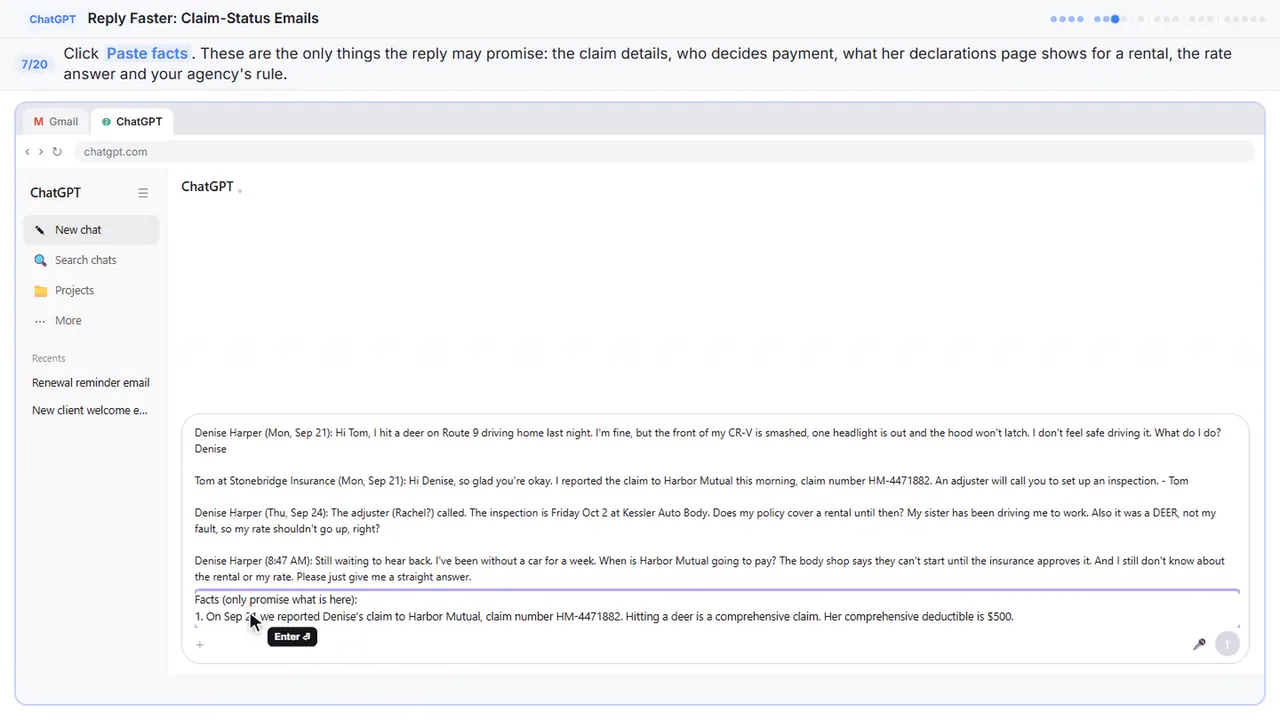
Facts (only promise what is here):
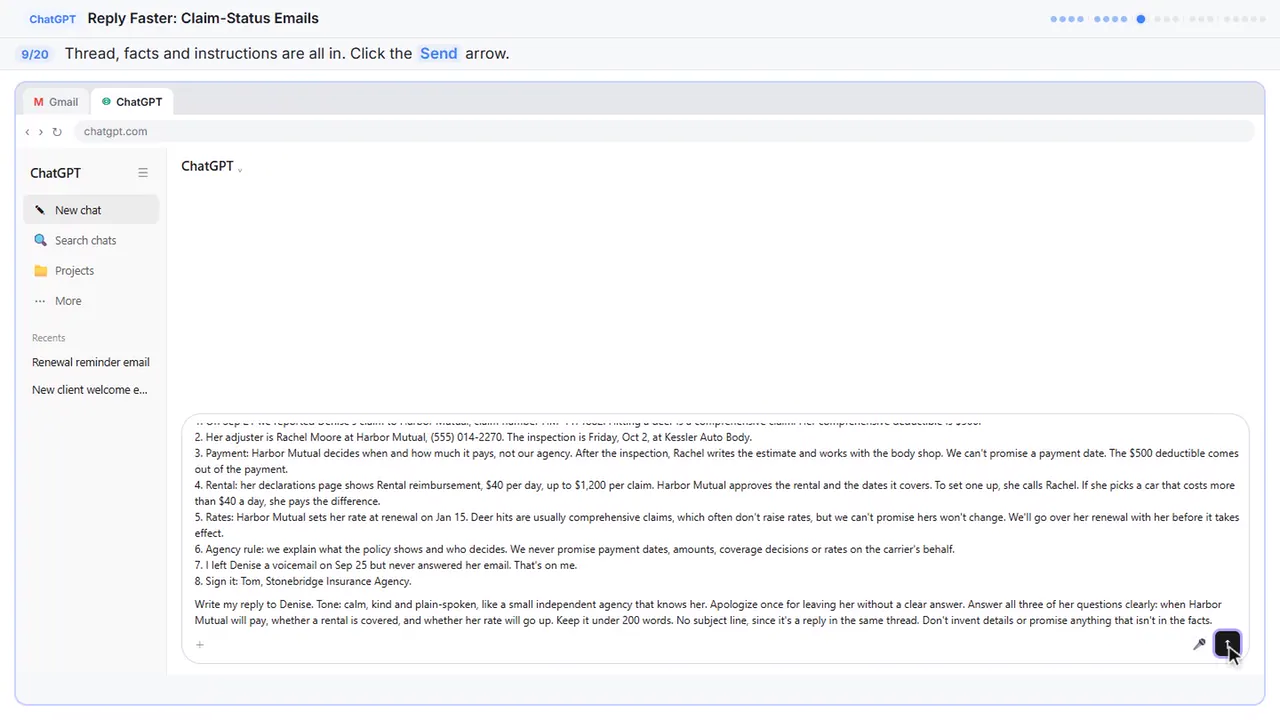
1. On Sep 21 we reported Denise's claim to Harbor Mutual, claim number HM-4471882. Hitting a deer is a comprehensive claim. Her comprehensive deductible is $500.
2. Her adjuster is Rachel Moore at Harbor Mutual, (555) 014-2270. The inspection is Friday, Oct 2, at Kessler Auto Body.
3. Payment: Harbor Mutual decides when and how much it pays, not our agency. After the inspection, Rachel writes the estimate and works with the body shop. We can't promise a payment date. The $500 deductible comes out of the payment.
4. Rental: her declarations page shows Rental reimbursement, $40 per day, up to $1,200 per claim. Harbor Mutual approves the rental and the dates it covers. To set one up, she calls Rachel. If she picks a car that costs more than $40 a day, she pays the difference.
5. Rates: Harbor Mutual sets her rate at renewal on Jan 15. Deer hits are usually comprehensive claims, which often don't raise rates, but we can't promise hers won't change. We'll go over her renewal with her before it takes effect.
6. Agency rule: we explain what the policy shows and who decides. We never promise payment dates, amounts, coverage decisions or rates on the carrier's behalf.
7. I left Denise a voicemail on Sep 25 but never answered her email. That's on me.
8. Sign it: Tom, Stonebridge Insurance Agency.
Step 8: Say what a good reply looks like
Last, tell it what a good reply looks like: the tone, the three questions to answer, and a word limit. And one rule that matters most: don't invent details or promise anything that isn't in the facts.
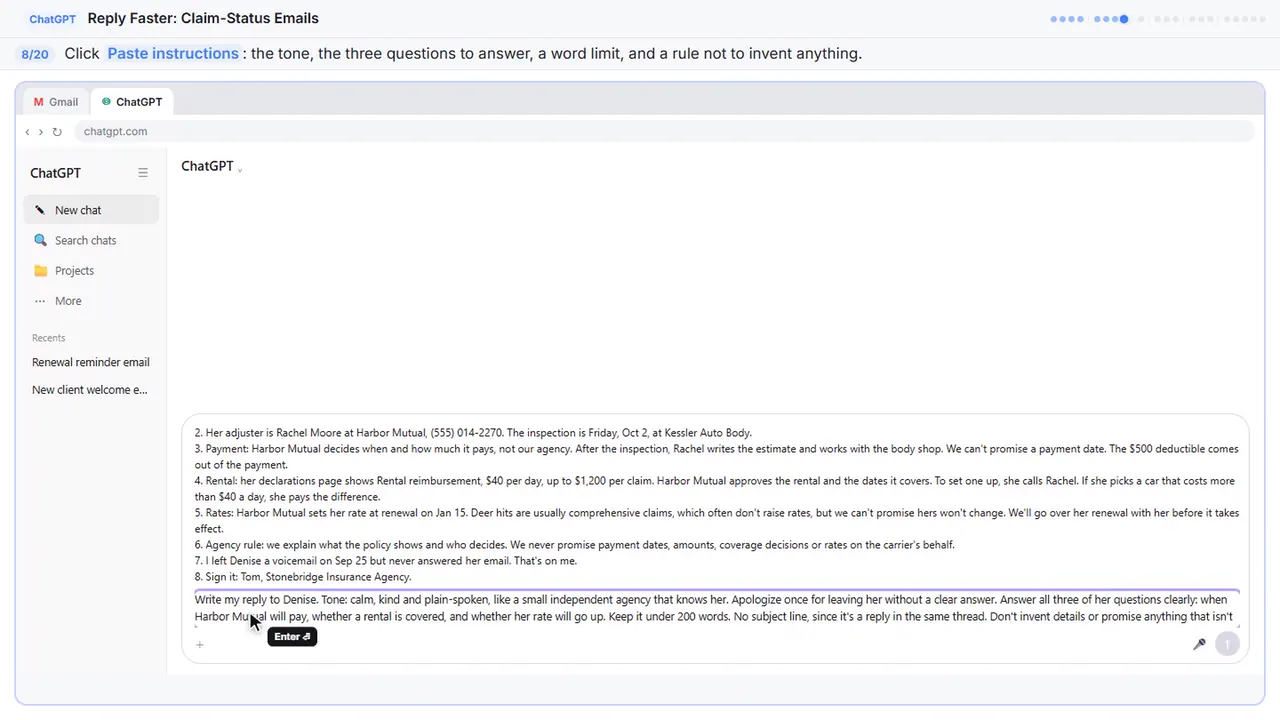
Write my reply to Denise. Tone: calm, kind and plain-spoken, like a small independent agency that knows her. Apologize once for leaving her without a clear answer. Answer all three of her questions clearly: when Harbor Mutual will pay, whether a rental is covered, and whether her rate will go up. Keep it under 200 words. No subject line, since it's a reply in the same thread. Don't invent details or promise anything that isn't in the facts.
Part 3: Get the first draft
Step 9: Send it
Thread, facts, and instructions, all in one message.
Part 4: Check every promise
Step 10: Read the draft, then click the message box
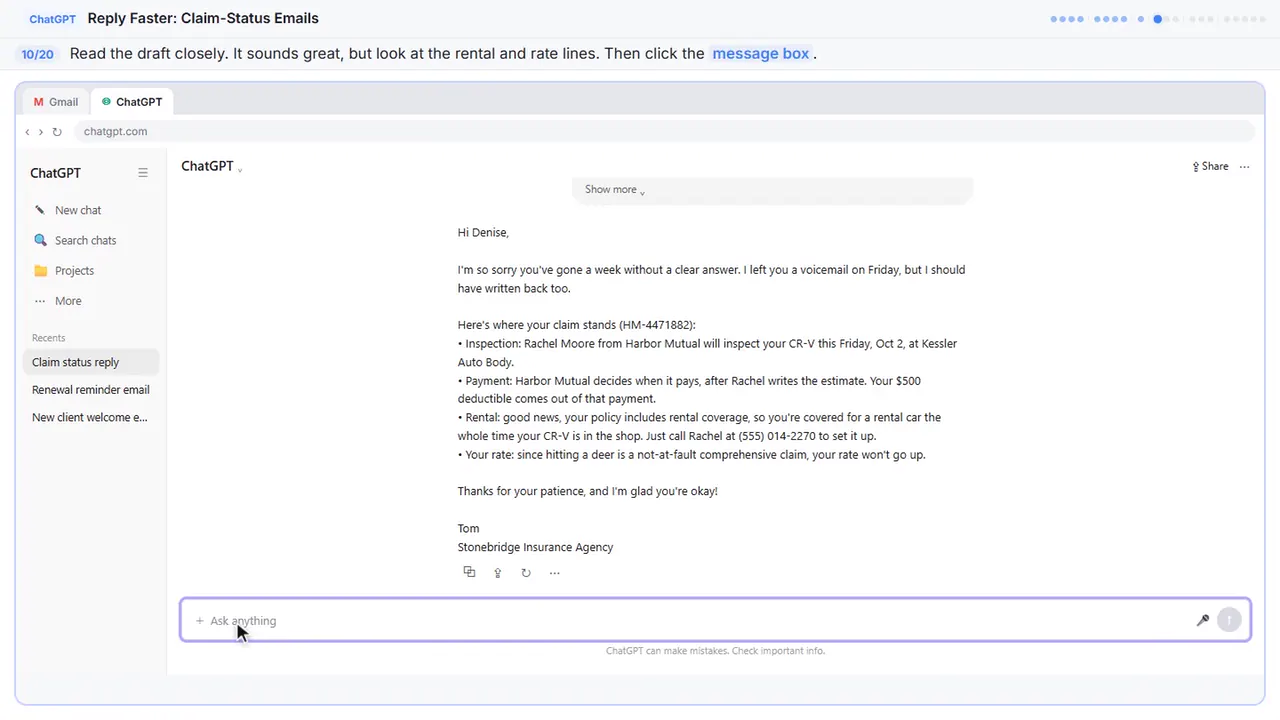
That's a solid first draft. It apologizes once, names the adjuster and the inspection, and says the carrier decides when to pay. But read the last two answers: a rental for the whole time the car is in the shop, and a rate that won't go up. Your facts don't say either one. A draft can sound reassuring and still promise too much.
Step 11: Ask ChatGPT to check its promises
Ask ChatGPT to check its own work: every promise in the reply, next to the fact that backs it up.
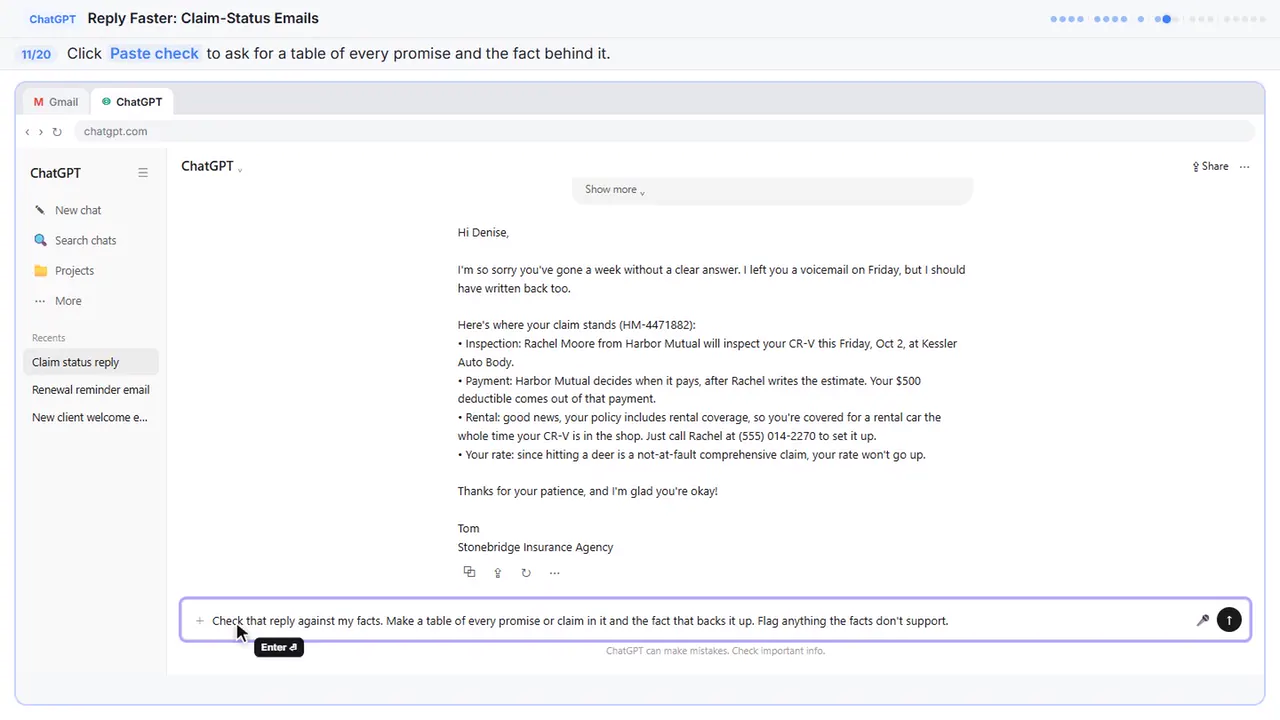
Check that reply against my facts. Make a table of every promise or claim in it and the fact that backs it up. Flag anything the facts don't support.
Step 12: Send the check
Part 5: Fix it and warm it up
Step 13: Read the table, then click the message box
Six of the eight claims match a fact. The rate promise doesn't, and the rental line leaves out the limit: forty dollars a day, up to twelve hundred for the claim. Still compare the table with your own facts, since you know the policy.
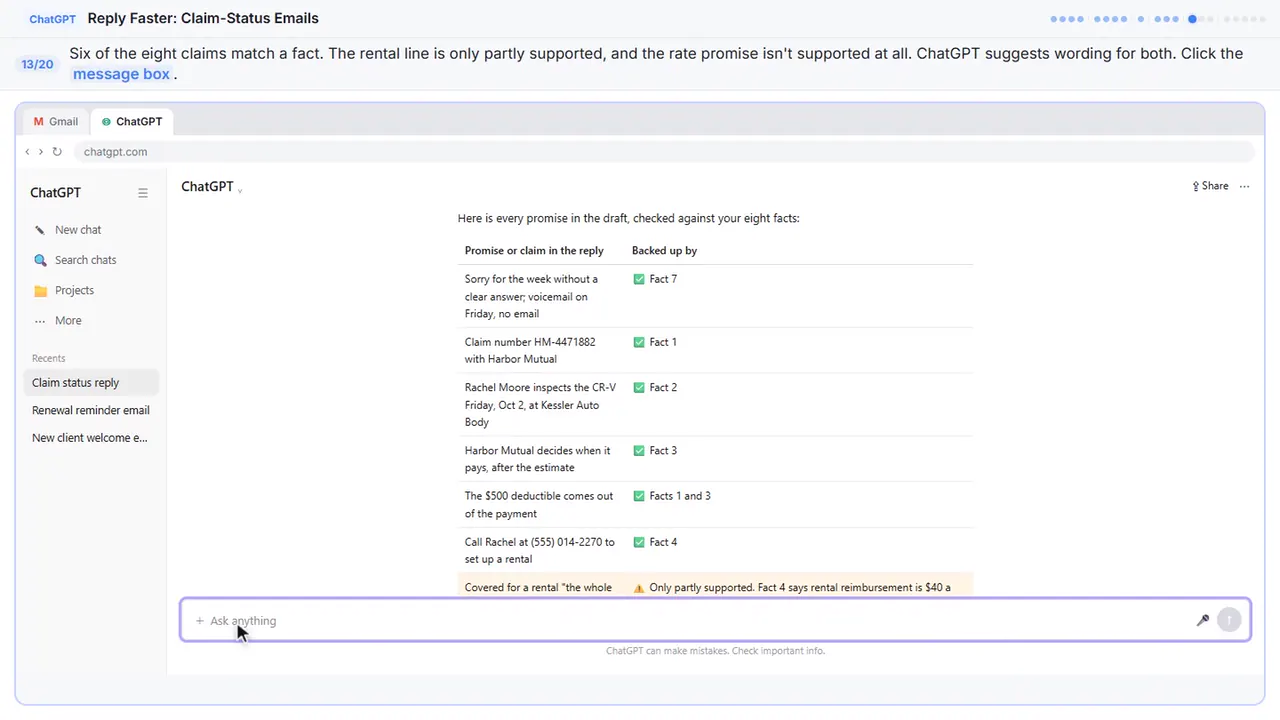
Step 14: Ask for specific changes
Now ask for specific changes, not just make it better. Use both suggested wordings, give each of her questions its own short paragraph, and keep every other fact exactly the same.
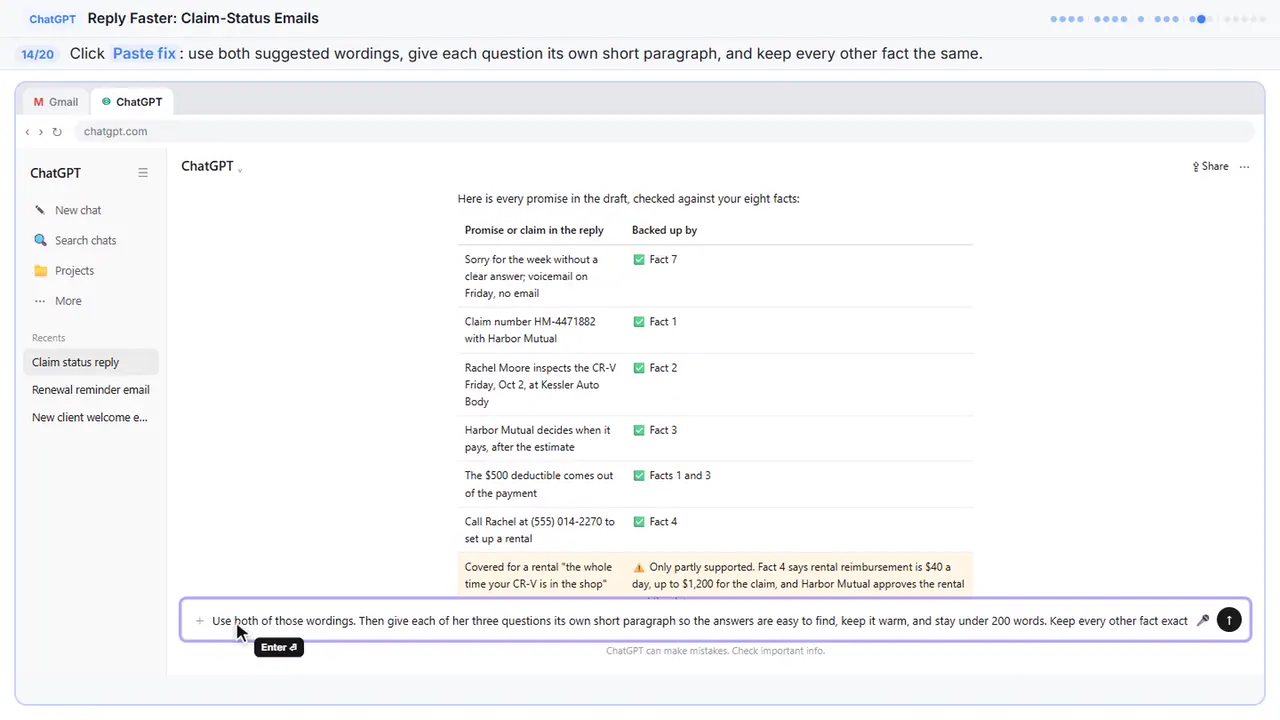
Use both of those wordings. Then give each of her three questions its own short paragraph so the answers are easy to find, keep it warm, and stay under 200 words. Keep every other fact exactly the same. Reply with just the email.
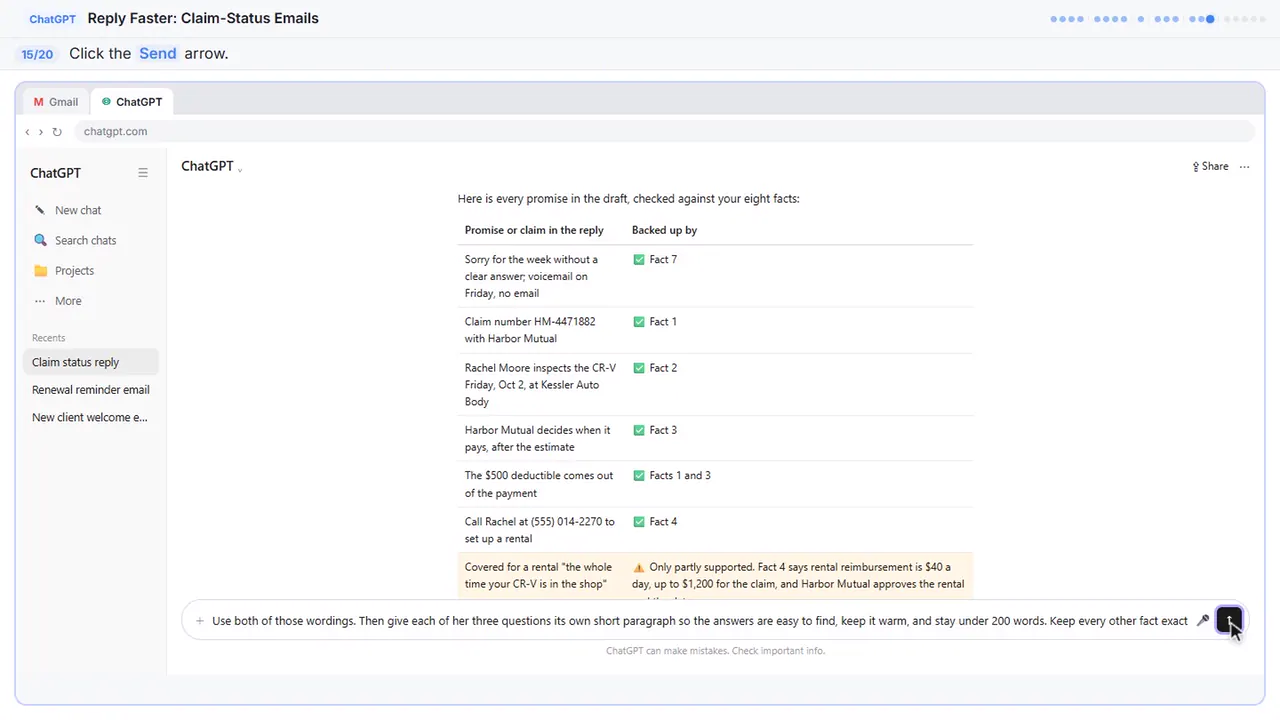
Step 15: Send the fix
Part 6: Send it from Gmail
Step 16: Copy the reply
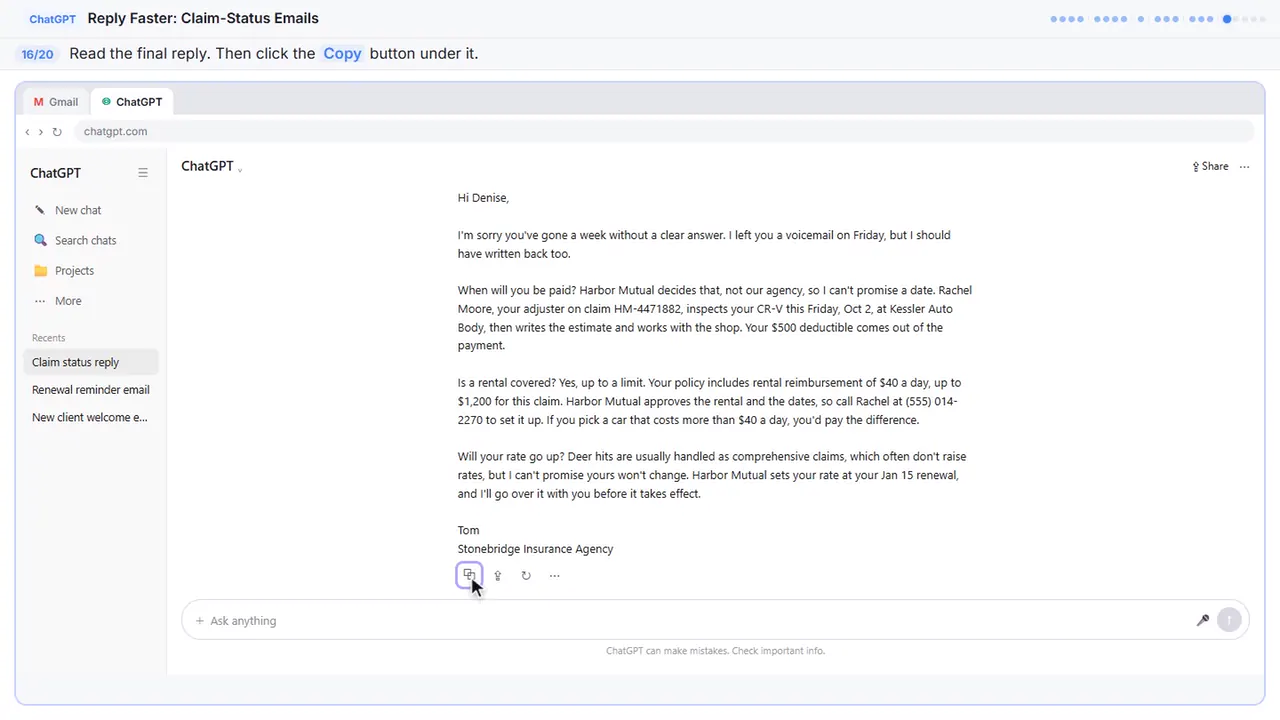
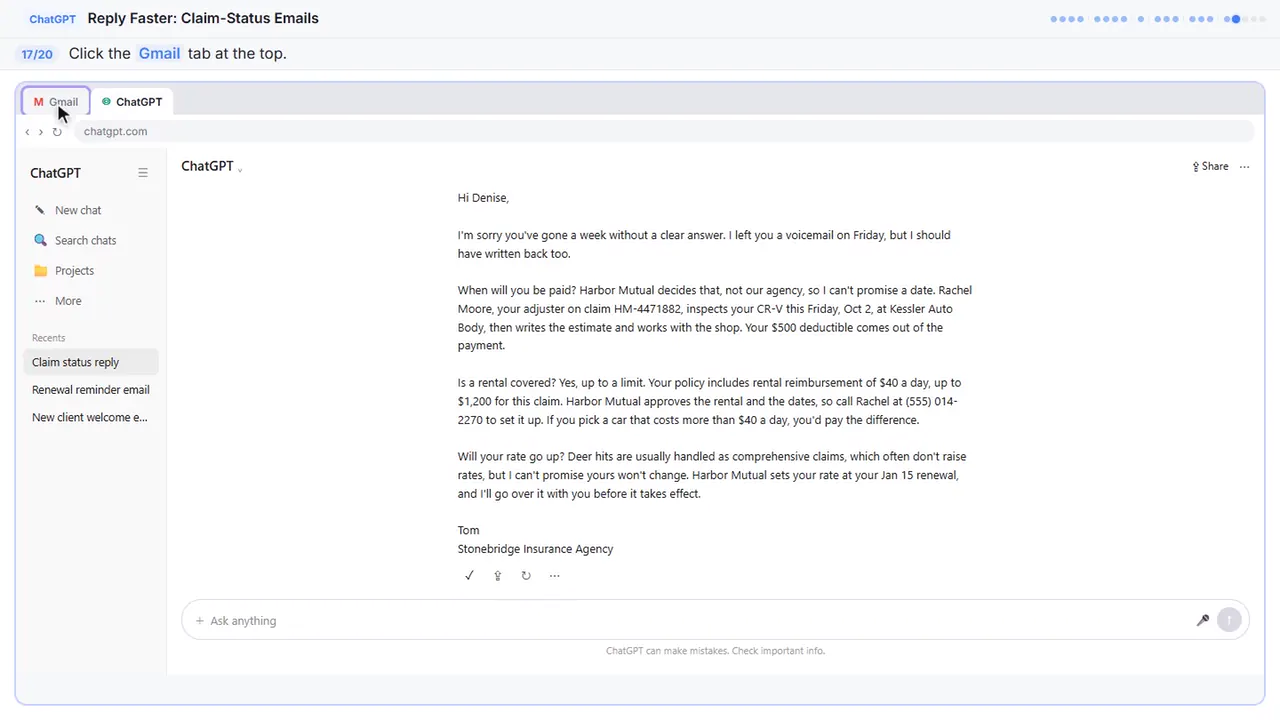
Read it once more. Each question gets a straight answer: the carrier decides the payment date, the rental has a limit, and nobody is promising a rate. It's honest without being cold.
Step 17: Go back to Gmail
Back to Gmail.
Step 18: Click Reply
Under Denise's last message, click Reply. Your answer stays in the same thread, which is why you told ChatGPT to skip the subject line.
Step 19: Paste the reply
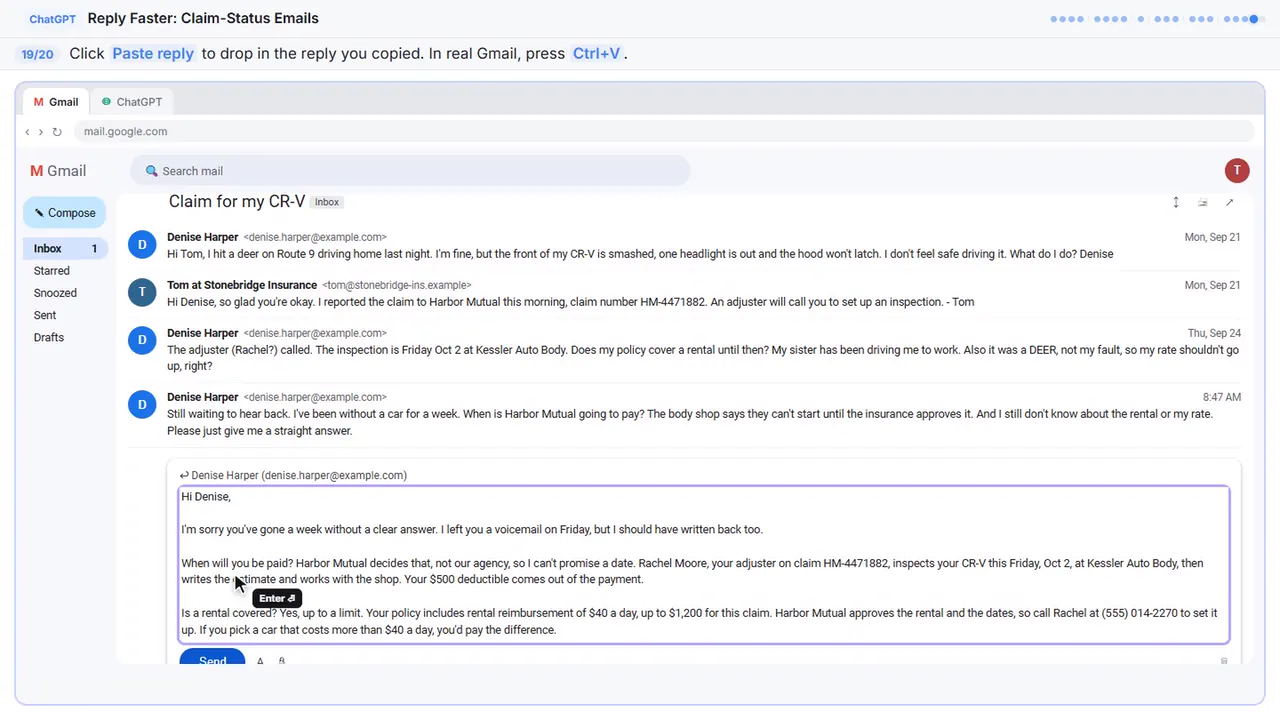
Hi Denise,

I'm sorry you've gone a week without a clear answer. I left you a voicemail on Friday, but I should have written back too.

When will you be paid? Harbor Mutual decides that, not our agency, so I can't promise a date. Rachel Moore, your adjuster on claim HM-4471882, inspects your CR-V this Friday, Oct 2, at Kessler Auto Body, then writes the estimate and works with the shop. Your $500 deductible comes out of the payment.

Is a rental covered? Yes, up to a limit. Your policy includes rental reimbursement of $40 a day, up to $1,200 for this claim. Harbor Mutual approves the rental and the dates, so call Rachel at (555) 014-2270 to set it up. If you pick a car that costs more than $40 a day, you'd pay the difference.

Will your rate go up? Deer hits are usually handled as comprehensive claims, which often don't raise rates, but I can't promise yours won't change. Harbor Mutual sets your rate at your Jan 15 renewal, and I'll go over it with you before it takes effect.

Tom
Stonebridge Insurance Agency
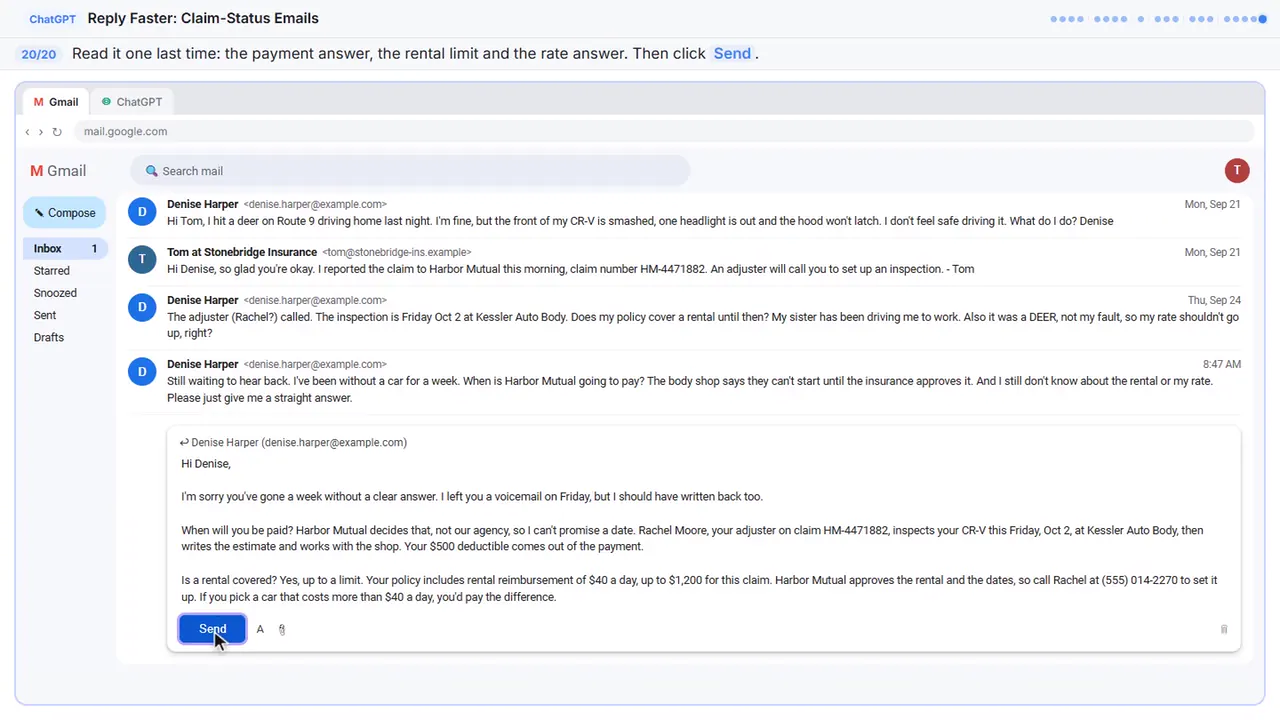
Step 20: Read it, then send
One last read before it goes out. ChatGPT wrote the draft, but your name is on it, so check the payment answer, the rental limit, and the rate answer. Everything's right.
Now do it yourself, free
Reading the steps is a start. Doing them is how it sticks. The interactive lesson puts you in a practice copy of ChatGPT: you do every step yourself, it checks your work, and “Do it for me” finishes any step you get stuck on. Nothing touches your real accounts.
Practice “Reply Faster to Claim-Status Emails: ChatGPT for Independent Insurance Agencies” step by stepWatch the 3:13 video walkthrough · Reply Faster to Claim-Status Emails: ChatGPT for Independent Insurance Agencies: lesson overview · All free tutorials