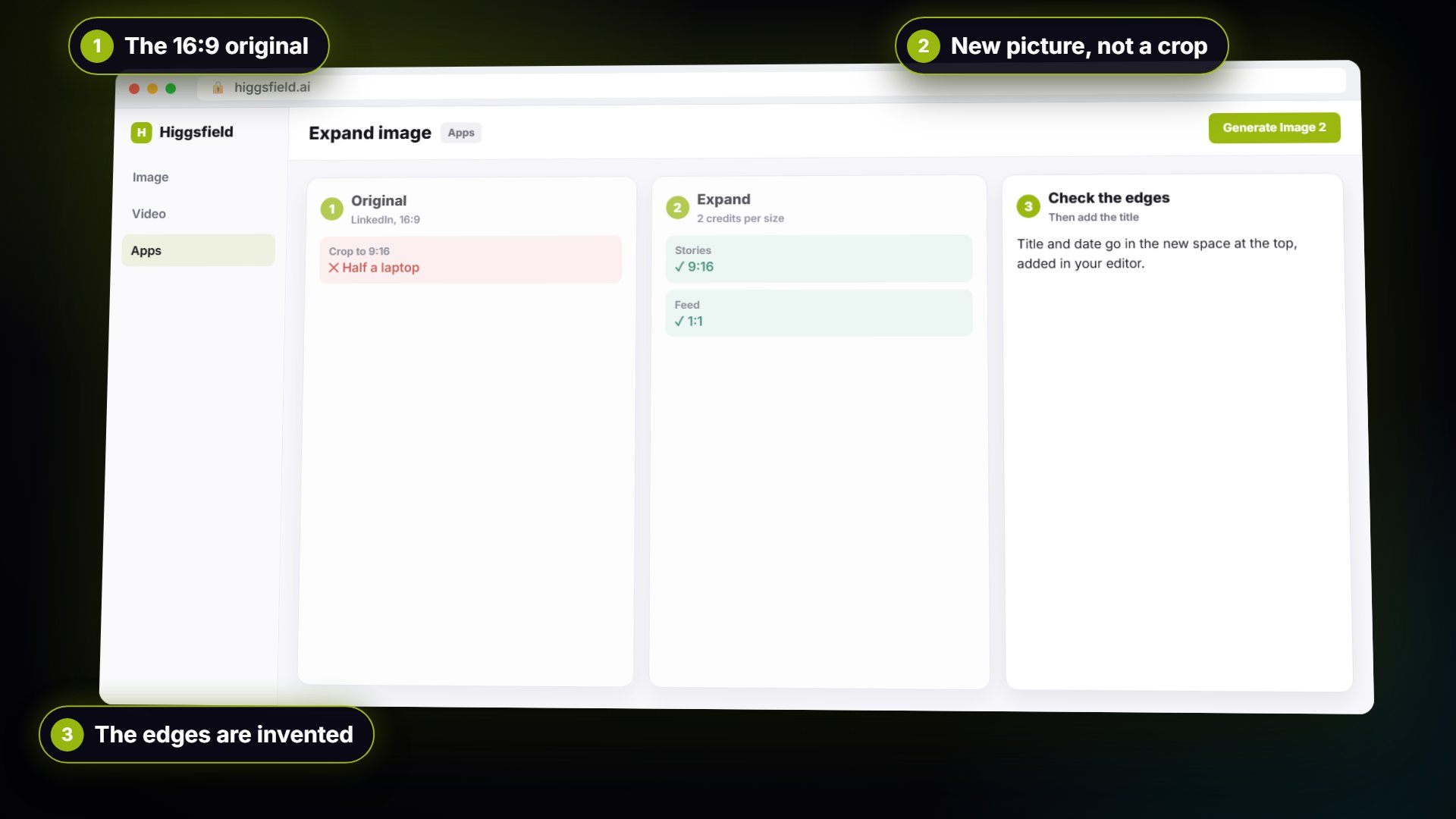
One Webinar Image, Every Channel Size using Higgsfield (Expand, Don't Crop)
A business case for sales and marketing teams: expand one 16:9 webinar image to 9:16 and 1:1 with Higgsfield instead of cropping it, and place the headline in the new space. Real outputs, 2 credits per size.
- Free
- No sign-up
- 11 steps
- ~6 min